
Kinetic typography maker
Type one to five short lines. Each one builds word by word, holds, and makes way for the next.
Runs in your browser. Nothing is uploaded.
The preview background is only for judging the graphic. Your download has no background unless you pick a green screen or black file.
H.264 on flat green, chosen so it does not clash with your colours.
Place the clip on a track above your video in CapCut. Select it, open Remove BG, then Chroma key. Pick the background colour and raise the strength until it is gone.
How to make a kinetic typography maker
- 1Type your lines, one short sentence or half sentence per line.
- 2Type the words that should stand out in the accent colour.
- 3Pick a motion, the letters, the typeface and the height in the frame.
- 4Download a transparent MOV for desktop editors or a green screen MP4 for phone editors, and lay it over your clip.
What editors use it for
A hook over the first shot
Put the opening sentence of a Reel on screen word by word while you say it, so viewers read along before they decide to scroll.
Quotes and key lines
Set the line you want remembered, with its one or two important words in the accent colour.
Text-only Reels
Lay several lines over b-roll or a plain background for a typography video with no talking head.
Which file for which editor
- CapCutGreen screen MP4
- VNGreen screen MP4
- InShotGreen screen MP4
- Premiere ProTransparent MOV
- After EffectsTransparent MOV
- DaVinci ResolveTransparent MOV
- Final Cut ProTransparent MOV
- CanvaMP4 video
- OBSTransparent WebM
Pick your editor in the tool and it shows the exact steps to place the file. Have a green screen clip already? Turn it into a transparent video.
Kinetic typography kaise banaye (CapCut, VN, InShot)
Har line mein ek chhota sentence likhiye. Jo words highlight karne hain, unhe "accent colour" wale box mein likhiye.
Motion chuniye, phir "Green screen MP4" download kijiye. CapCut ya VN mein isko overlay ki tarah video ke upar lagaiye aur Chroma key se green hata dijiye.
Hindi (Devanagari) mein bhi likh sakte hain. Emoji abhi nahi chalte.
Questions
What is the difference between the three motions?
Build drops each word in with a short blur and slides the line so it stays centred. Zoom build brings words in faster and faster while the whole line grows a little, then wipes away. Push slides each new word in from the side and nudges the line along.
How many words fit on one line?
About six. The tool shrinks a long line to fit the frame width, and if it would still run off the frame it asks you to split it into two lines or lower the size. Wide 16:9 frames take more words than 9:16.
Can I write in Hindi?
Yes. A line in Devanagari is set in Noto Sans Devanagari so the letters join correctly. All capitals has no effect on Hindi. Emoji are not drawn and the tool asks you to remove them.
How is the timing worked out?
Each line gets time for its words to build, a short hold so it can be read, and its exit. Spare time in the clip is shared out so longer lines hold longer. If the clip is too short for your lines, the tool tells you the length it needs.
Will it sit over my captions?
Choose the height. Lower sits where captions usually are, so use it on clips without burned-in captions. Top or Middle keeps it clear of them.
Tools that go with this

Old text struck through by a line, then swapped for the new text in the same spot.

A line of text with your chosen words underlined or circled by hand.
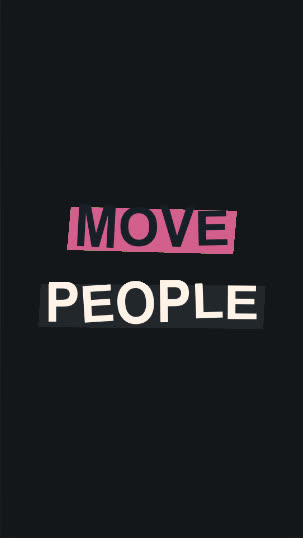
Give short phrases a punch with elastic, oversized lettering.
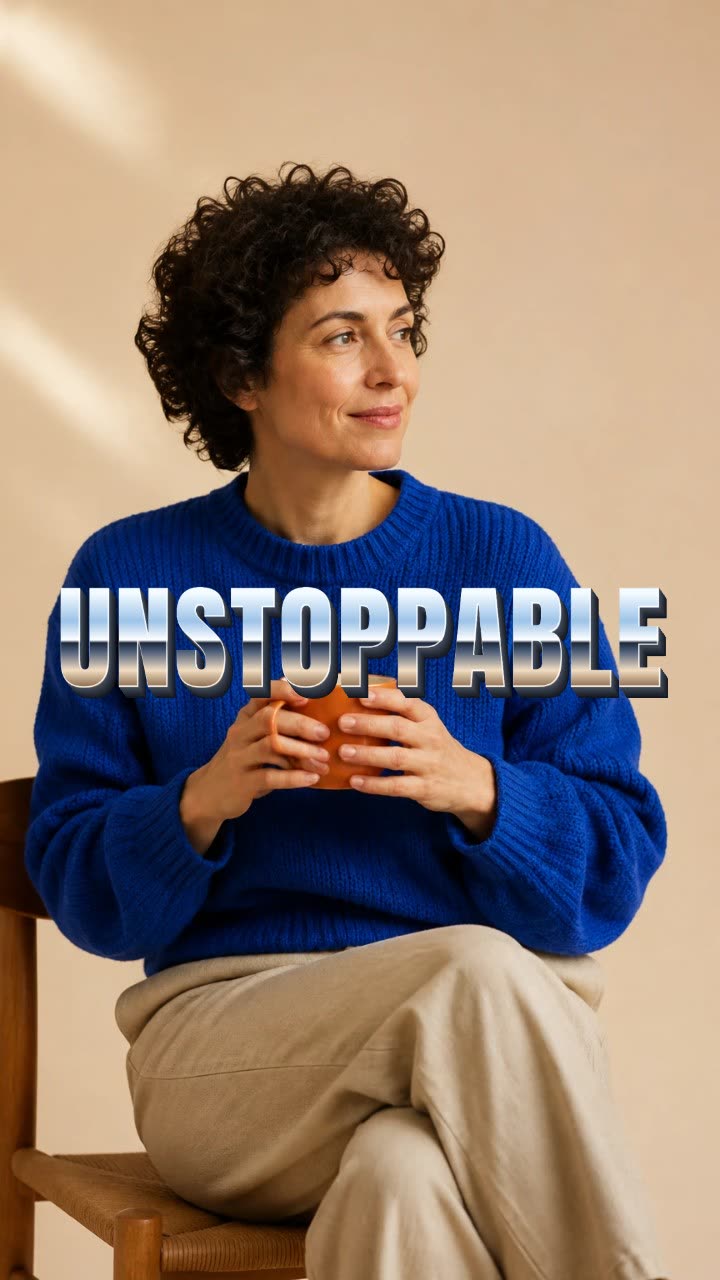
One word slams onto the frame as polished chrome, with a shine and sparks.
More text and typography tools: Text morph animation maker · Text trail animation maker · Depth of field text animation · Sentence transition animation · Spotlight text reveal animation
In Headroom: Kinetic typography for videos