
Strikethrough text animation maker
Type the old text and the new one. A line strikes the old text out and the new text settles in its place.
Runs in your browser. Nothing is uploaded.
The preview background is only for judging the graphic. Your download has no background unless you pick a green screen or black file.
H.264 on flat green, chosen so it does not clash with your colours.
Place the clip on a track above your video in CapCut. Select it, open Remove BG, then Chroma key. Pick the background colour and raise the strength until it is gone.
How to make a strikethrough text animation
- 1Type the old text that gets struck out and the new text that takes its place.
- 2Set when the strike starts and how long the line takes to cross.
- 3Pick the three colours, where the text sits and the size that matches your video.
- 4Download a green screen MP4 for phone editors or a transparent MOV for desktop editors, and lay it over your clip.
What editors use it for
Price drops and offers
Strike out the old price and show the sale price where it stood, for a course, a product or a plan.
Myth vs fact
Cross out the common belief and replace it with what is true, in two or three words a side.
Before and after
Old habit, new habit; wrong word, right word. One swap says it without a second title.
Which file for which editor
- CapCutGreen screen MP4
- VNGreen screen MP4
- InShotGreen screen MP4
- Premiere ProTransparent MOV
- After EffectsTransparent MOV
- DaVinci ResolveTransparent MOV
- Final Cut ProTransparent MOV
- CanvaMP4 video
- OBSTransparent WebM
Pick your editor in the tool and it shows the exact steps to place the file. Have a green screen clip already? Turn it into a transparent video.
Text ko cut karke naya text dikhane wala animation kaise banaye
Upar purana text likhiye (jaise ₹999) aur neeche naya text (jaise ₹499). Line purane text ko kaatti hai, phir naya text usi jagah aa jata hai.
"Strike starts at" se wo pal chuniye jab aap video mein correction bolte hain.
CapCut ya VN mein "Green screen MP4" lagakar Chroma key se green hataiye. Premiere Pro mein "Transparent MOV" seedha upar rakh dijiye.
Questions
Does the struck-out text stay on screen?
No. This is a replace: once the line has crossed, the old text fades out and the new text rises a little into the same spot. For an old price that stays visible next to the new one, use the cross-out line in the arrow and circle callout maker over text that is already in your shot.
Can I show a rupee price drop?
Yes. Type the prices with the rupee sign, for example ₹999 and ₹499, or with Indian commas such as ₹1,49,999. Each side is drawn as you typed it.
How much text fits on each side?
One row a side. Longer text is set smaller, and both sides share that size; in capitals about 25 letters a side fit a 9:16 frame and about 45 fit a 16:9 frame before the tool asks you to shorten it. Two to four words a side reads best.
Can I use Hindi or Hinglish?
Yes. Devanagari, Hinglish in Roman letters and emoji draw on both sides. All capitals changes only Roman letters.
How do I time the strike to my voice?
Set "Strike starts at" to the second at which you begin the correction, counted from where the clip starts in your timeline. The line crosses in the strike time you set, and the new text is fully in about half that time later.
Tools that go with this

A line of text with your chosen words underlined or circled by hand.
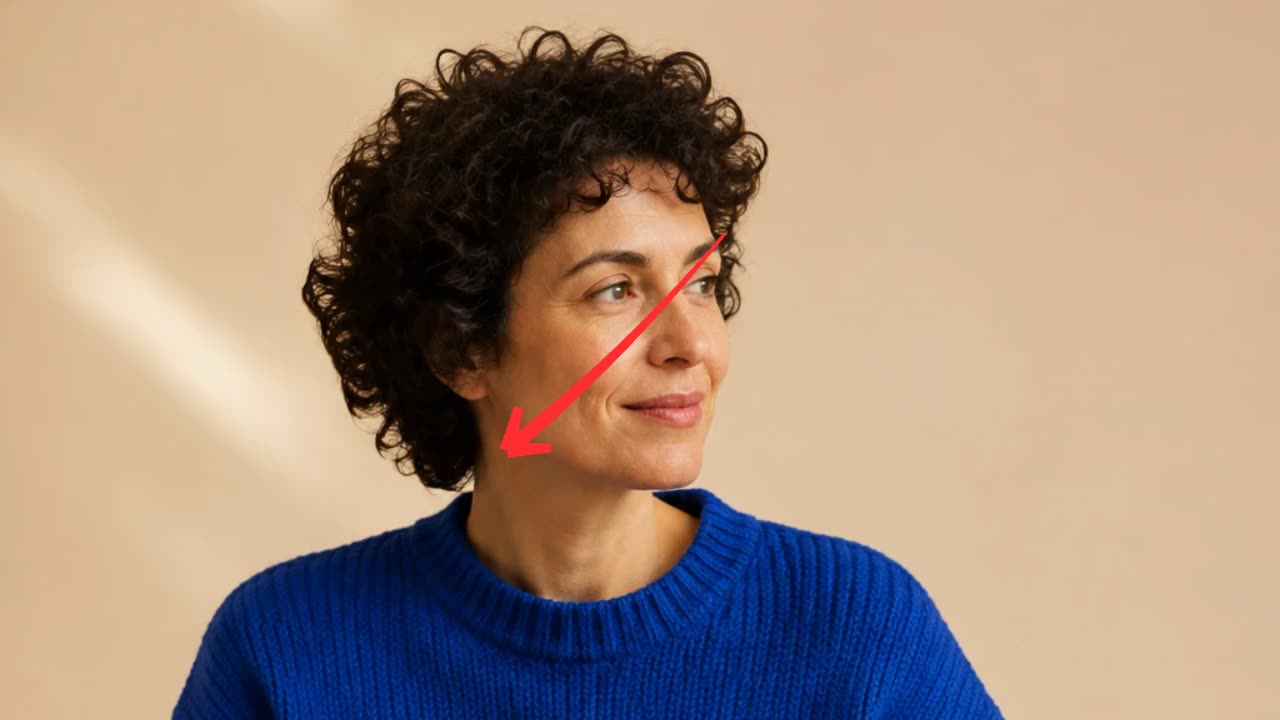
A hand-drawn arrow, circle, underline or cross-out that draws itself over your footage.
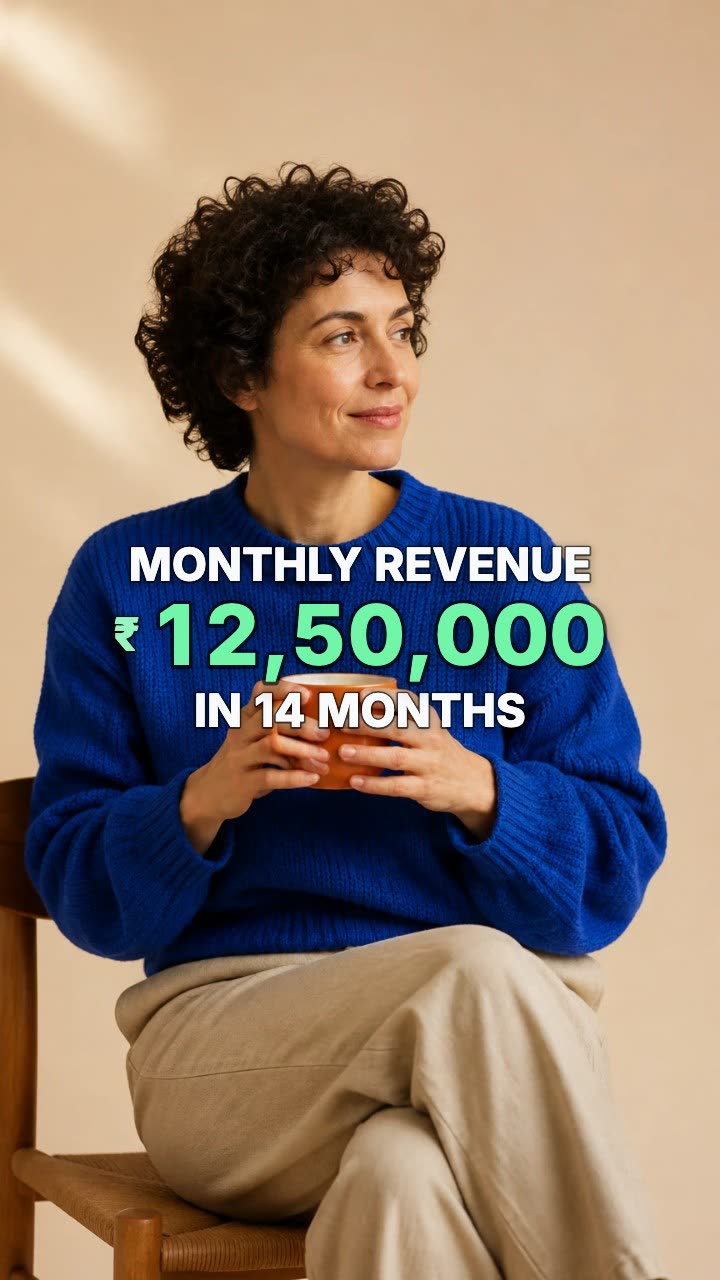
A number that counts up from zero and lands on your figure.
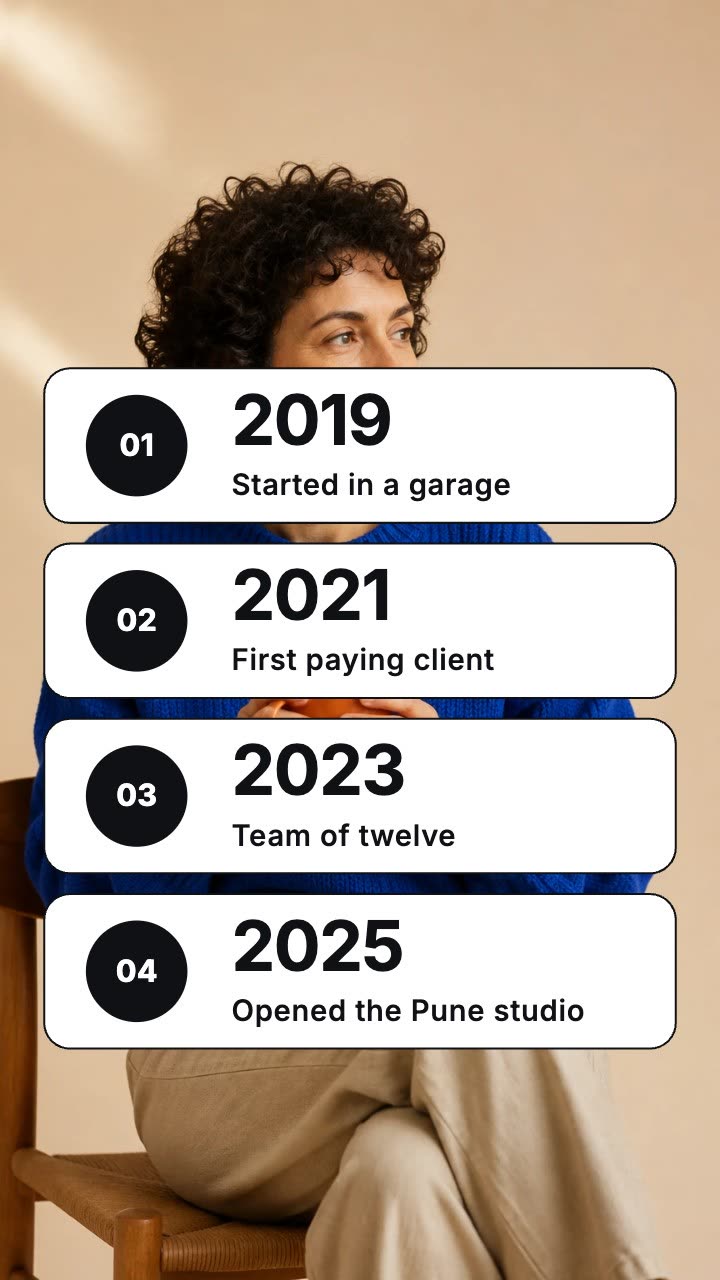
Dated rows that land one by one over your footage.
More explainer and documentary tools: Checklist animation maker · Definition card animation maker · Text match cut generator · Article highlight video maker · Screenshot zoom video maker · Animated quote card maker
In Headroom: Kinetic typography for videos