
Definition card animation maker
Type a term and what it means. Download a title card that explains it over your footage.
Runs in your browser. Nothing is uploaded.
The preview background is only for judging the graphic. Your download has no background unless you pick a green screen or black file.
H.264 on flat blue, chosen so it does not clash with your colours.
Place the clip on a track above your video in CapCut. Select it, open Remove BG, then Chroma key. Pick the background colour and raise the strength until it is gone.
How to make a definition card
- 1Type the term, then what it means in a few words.
- 2Pick the card, text and rule colours, and when the meaning appears.
- 3Choose where the card sits in the frame and how large it is.
- 4Choose your editor and download. Place the file on the track above your video.
What editors use it for
Finance and money explainers
Put SIP, EMI, CIBIL score or compound interest on screen with a one-line meaning while you explain it.
Science, health and study videos
Name a concept like dopamine or photosynthesis and show what it means, so viewers keep the word.
Tech and business jargon
Spell out an acronym such as ROI, API or GST the first time it comes up in the video.
Which file for which editor
- CapCutGreen screen MP4
- VNGreen screen MP4
- InShotGreen screen MP4
- Premiere ProTransparent MOV
- After EffectsTransparent MOV
- DaVinci ResolveTransparent MOV
- Final Cut ProTransparent MOV
- CanvaMP4 video
- OBSTransparent WebM
Pick your editor in the tool and it shows the exact steps to place the file. Have a green screen clip already? Turn it into a transparent video.
Questions
How long can the term and the meaning be?
The term is set on one line, so keep it to a word or two, about 20 letters; longer terms are set smaller until they fit. The meaning gets two lines, about 40 letters. Past that the tool asks you to shorten it instead of cutting words off.
Why is the meaning in capital letters?
The card sets the meaning in a spaced monospace face in capitals, under the large term. Hindi in Devanagari has no capitals; it is drawn with a Hindi font from your device and without the wide letter spacing, so each word stays whole.
Can the meaning appear when I say it?
Yes. The term settles in during the first second and the rule draws under it. "Meaning appears at" holds the meaning back until the second you choose, from 1.3 seconds onwards.
Does the card fade in and out?
No. The card itself starts on the first frame and stops on the last, like a title card cut into the edit; only the words animate. Add a fade or a slide in your editor if you want one.
Is the card see-through behind the text?
No, the card is a solid colour box, so the text stays readable over any footage. Only the area around the card is transparent in the MOV, or green in the green screen MP4.
Tools that go with this
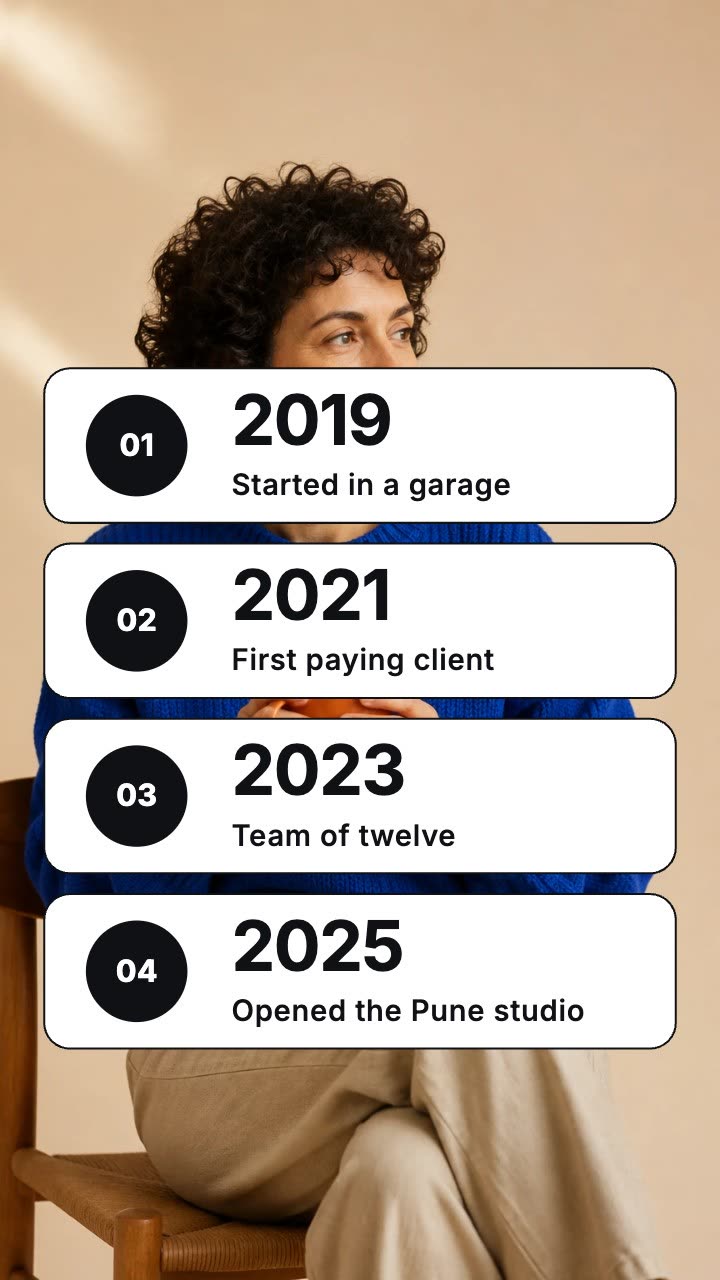
Dated rows that land one by one over your footage.
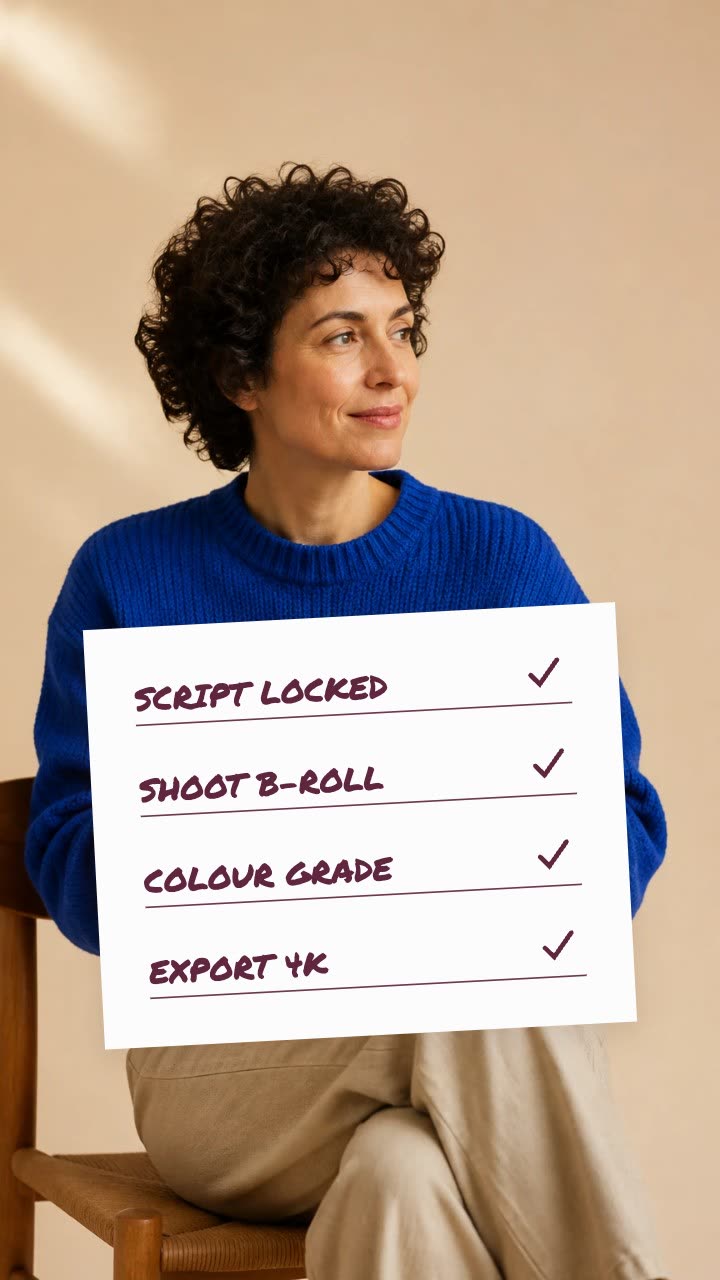
A paper card whose items get ticked one by one.

A name and title card that wipes in over your footage.
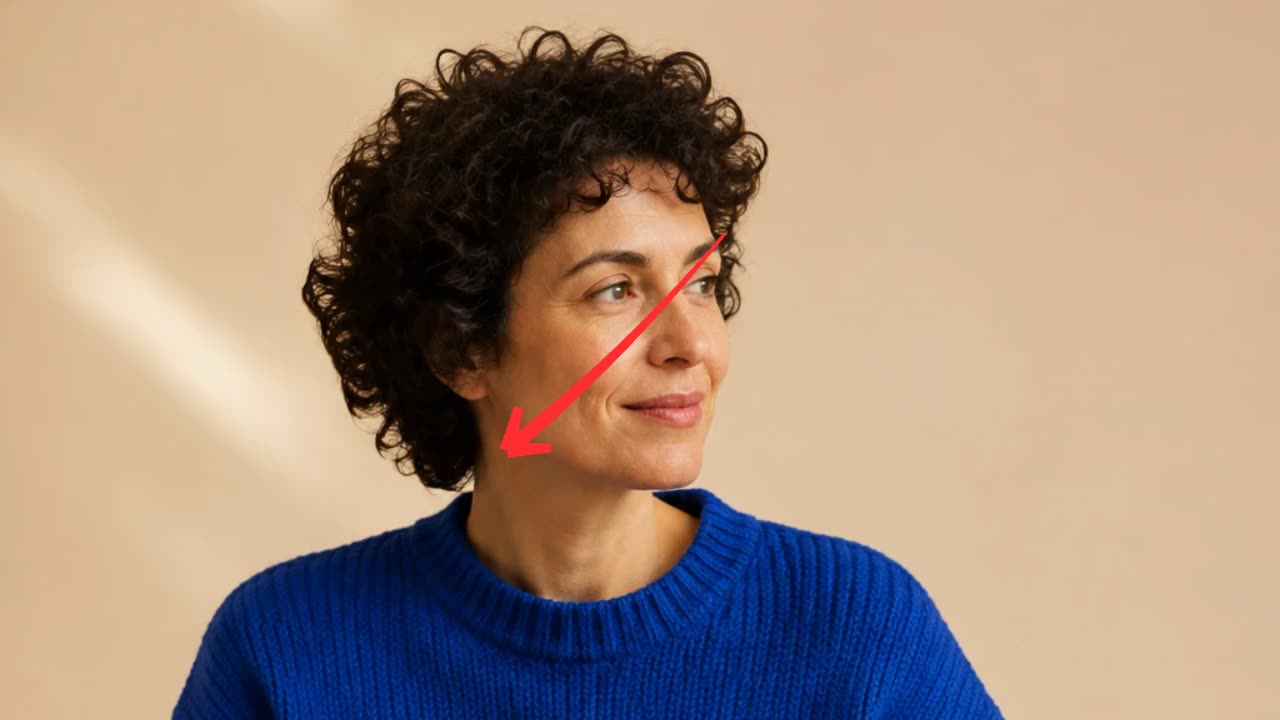
A hand-drawn arrow, circle, underline or cross-out that draws itself over your footage.
More explainer and documentary tools: Hand-drawn underline text animation · Strikethrough text animation maker · Text match cut generator · Article highlight video maker · Screenshot zoom video maker · Animated quote card maker
In Headroom: Kinetic typography for videos