
Lower third generator
Type a name and a title. Download a lower third your editor can place over the shot.
Runs in your browser. Nothing is uploaded.
The preview background is only for judging the graphic. Your download has no background unless you pick a green screen or black file.
H.264 on flat green, chosen so it does not clash with your colours.
Place the clip on a track above your video in CapCut. Select it, open Remove BG, then Chroma key. Pick the background colour and raise the strength until it is gone.
How to make a lower third
- 1Type the name and the title or role.
- 2Pick the accent colour, a white or dark card, and where it sits in the frame.
- 3Choose your editor. The tool gives the file that editor reads: a transparent MOV for desktop editors, a green screen MP4 for phone editors.
- 4Place the file on the track above your video.
What editors use it for
Interviews and podcasts
Name each guest the first time they speak. Change the name, keep the look, export again.
Client and corporate videos
Match the accent to the brand colour so every speaker card is consistent across the edit.
Reels and Shorts
The vertical size keeps the card above the caption and the platform buttons.
News and explainers
Use the upper third when captions already sit low in the frame.
Which file for which editor
- CapCutGreen screen MP4
- VNGreen screen MP4
- InShotGreen screen MP4
- Premiere ProTransparent MOV
- After EffectsTransparent MOV
- DaVinci ResolveTransparent MOV
- Final Cut ProTransparent MOV
- CanvaMP4 video
- OBSTransparent WebM
Pick your editor in the tool and it shows the exact steps to place the file. Have a green screen clip already? Turn it into a transparent video.
Lower third kaise banaye (VN, InShot, CapCut)
Naam aur designation type kijiye, colour chuniye, aur "Green screen MP4" download kijiye.
VN ya InShot mein apni video ke upar is clip ko PIP layer ki tarah add kijiye, phir Chroma option se green hata dijiye. Naam ka card aapki video ke upar aa jayega.
Premiere Pro ya DaVinci Resolve use karte hain to "Transparent MOV" lijiye. Usme background pehle se transparent hota hai, chroma ki zaroorat nahi.
Questions
Which file should I download for my editor?
Premiere Pro, After Effects, DaVinci Resolve and Final Cut read the transparent MOV directly. CapCut, VN, InShot and other phone editors do not keep video transparency, so use the green screen MP4 and remove the green with Chroma key.
Can I change the colour and position?
Yes. Set the accent colour, switch between a white and a dark card, place it left, centre or right, and in the lower or upper third. The size slider scales the whole card.
What happens with a long name or title?
The card grows with the text up to 90% of the frame width. Past that, the line is set smaller so it still fits on one line.
Does it work for vertical video?
Yes. Choose 9:16 and the card is set larger and higher, clear of the area where Reels and Shorts put their own buttons.
Is there a watermark or a limit?
No. The lower third is drawn and encoded in your browser, so there is no watermark, no account and no export limit. Nothing you type is uploaded.
Tools that go with this
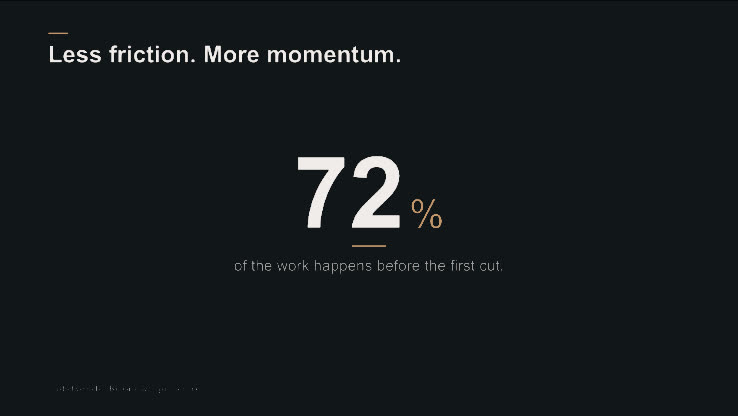
Animate a number into a clean, ready-to-edit stat card.
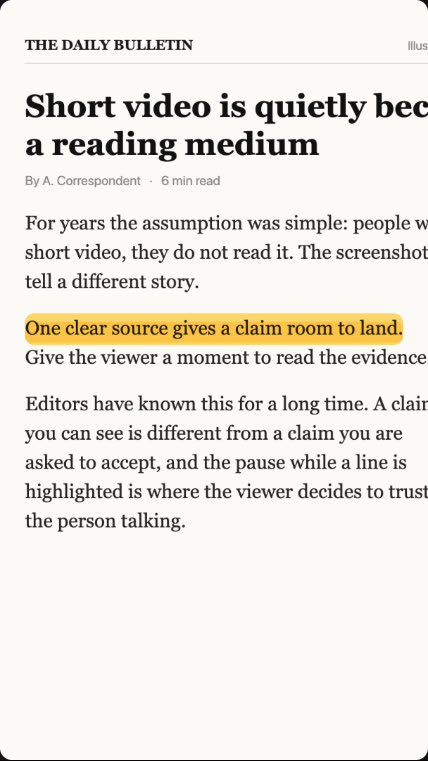
Turn a screenshot of your source into a documentary push-in clip.

A "2/5" marker with a segmented bar, or a "3 MISTAKES" list title, over your footage.
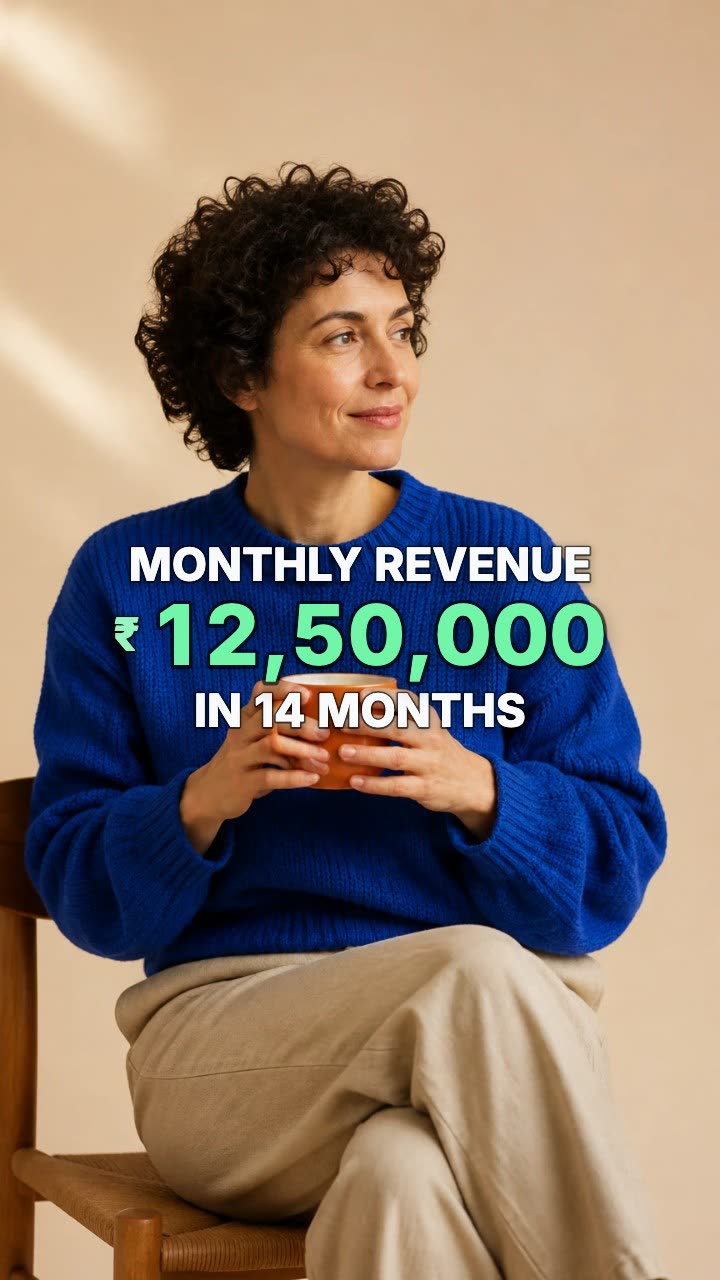
A number that counts up from zero and lands on your figure.
In Headroom: Talking-head video editor