The AI talking-head video editor for Reels & Shorts
A raw clip of you talking is the hardest video to keep people watching. Headroom is built for exactly that job. Upload the clip and it arrives already edited: AI Edits reads what you said and places emphasis, motion, and style moments where the delivery needs them. Then every word, caption, and decision stays yours to change.
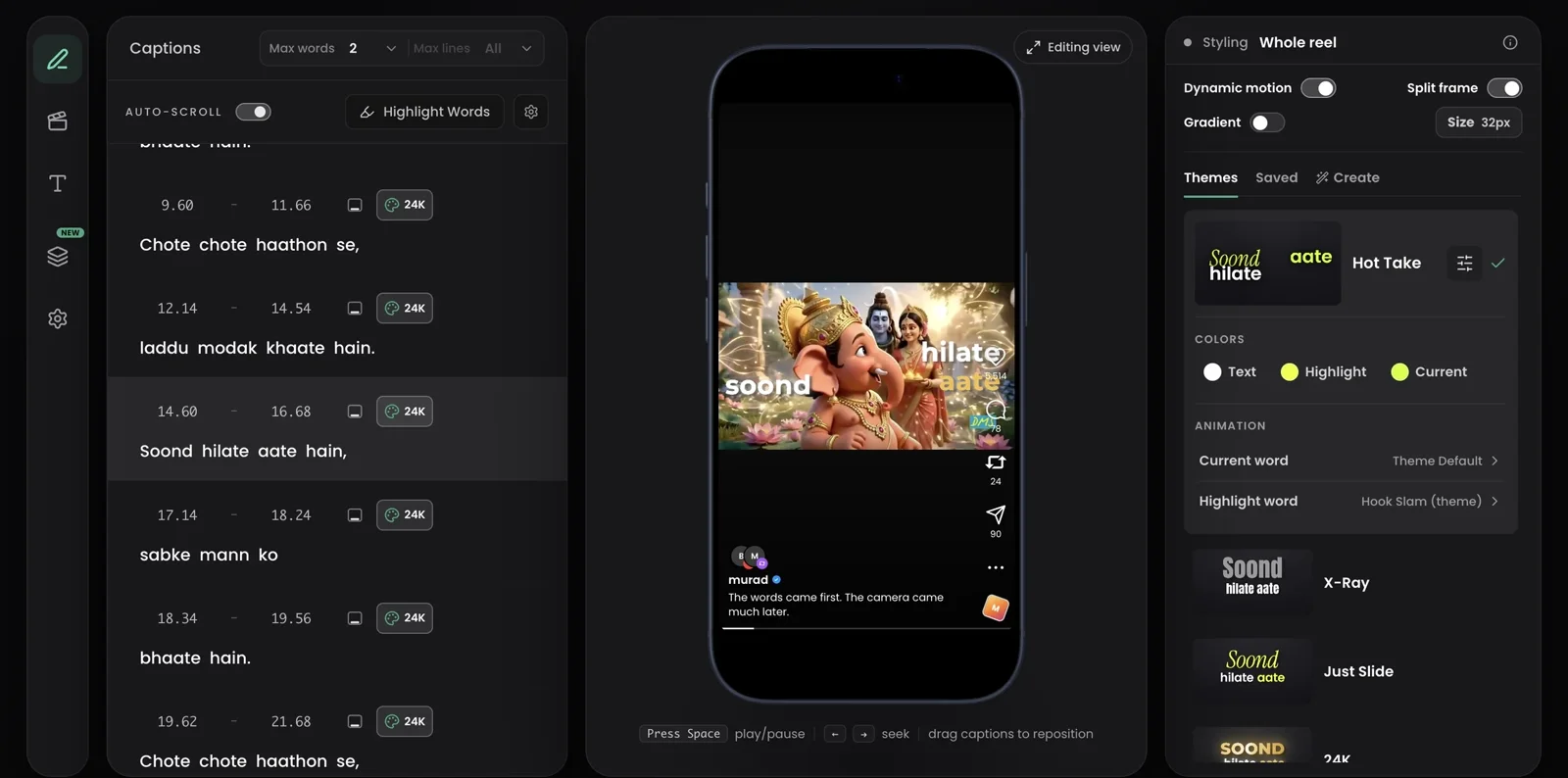
The workflow, end to end
1. Upload the raw clip
Headroom transcribes the speech with word-level timestamps — English, Hinglish (Hindi + English code-mix, Roman script), and 18 languages. Names stay names, switches stay switches.
2. AI Edits reads the script and edits the reel
Headroom understands what you said, not just when you said it. It finds the hooks, numbers, contrasts, and calls to action in your script and places editing moments on them: emphasis on the word that carries a phrase, motion, an occasional style beat. You choose the intensity, and switching the whole pass off takes one tap.
Most people quit a new skill in the first 30 days
Not because it is hard
But because nobody warned them about month two
In month one you improve every single day
In month two you improve almost nothing
That flat stretch is not failure
It is your brain moving the skill into the background
Push through the plateau and it finally clicks
Here are three things that got me through it
Save this before you forget
A real ~31 second script at the Balanced level: the marked words are the shipped planner's actual picks, not an illustration. The three levels on this script: Clean 2 edits · Balanced 5 edits · High Energy 9 edits. 3. You stay the editor
Every AI decision shows up as a marked word in the transcript, and your edits always win. Fix words inline, change what the AI chose, emphasize a different word, split captions where the rhythm needs it. Timing never breaks.
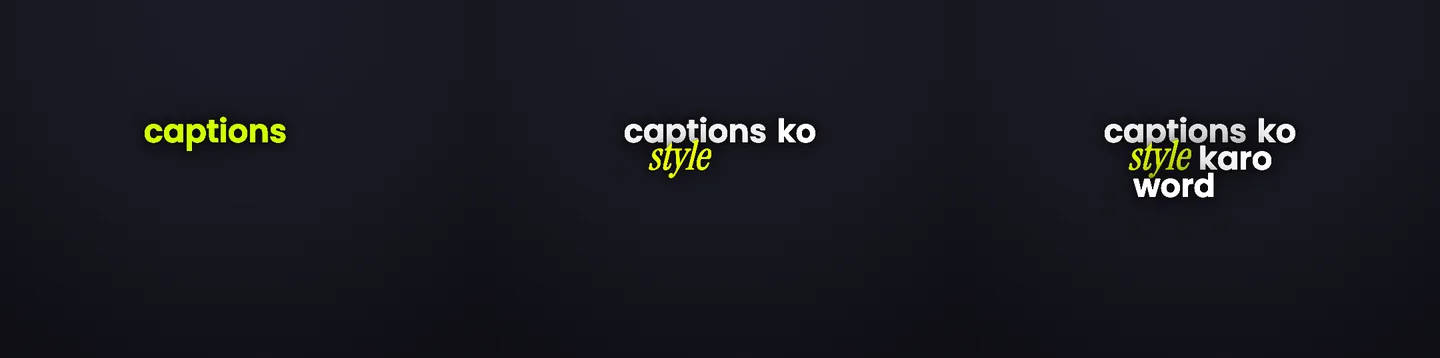
Emphasis follows speech — three moments of one phrase, rendered by the engine. 4. Style carries the energy
30+ caption styles, applied per caption — run a loud style on the hook and a clean one for the explanation. All of them are rendered here.
5. Position around your face, not over it
Drag any caption anywhere. Scope the move to this caption, from here, or the whole reel. The placement guide shows the before/after.
6. Layers, sounds, and the finish
Add overlays and title cards, attach sound effects to specific words, then export a clean MP4, up to 4K on the Pro plan, or take the SRT into Premiere, CapCut, or DaVinci.
Built for the people who make talking videos
Creators
Post more without spending every evening on polish. AI Edits does the first pass; your taste goes into the last 10%.
Editors & agencies
Batch client clips, keep per-client styles consistent, share preview links for approval, and export clean deliverables. The agency workflow in detail.
Coaches & educators
Word-progress captions keep students reading along — and Hinglish support means you can teach the way you actually speak.
What Headroom is not
It is not a timeline NLE: no multi-track compositing, no color grading. AI Edits does not cut your footage either; it edits emphasis, motion, and style, while trims stay your call. It does one job deeply: making the talking video itself hold attention. If you need a full edit suite, export our SRT into Premiere or DaVinci and keep Headroom for the caption and emphasis layer.
Keep going
Your last raw clip deserved better
Upload it and see what it looks like when the captions carry it.