Change the caption style partway through a video
Short answer: pick the caption you want to change, then choose how far the change reaches — This caption, From here, or Whole reel. Most caption tools only offer the last one, which is why people end up finishing the job in CapCut or Premiere.
The three reaches
This caption
The change lands on the selected caption and nothing else. This is the hook treatment, the one-off emphasis, the single line you want to look different.
From here
Everything from the selected caption to the end of the video changes; everything before it keeps what it had. This is how a video shifts gear at the halfway mark.
Whole reel
Every caption in the video. The default in most tools, and still the right choice when you are setting the base look rather than making an exception.
The reach is chosen at the moment you make the edit, so you never have to undo a change that went further than you meant it to.
Three treatments, one video
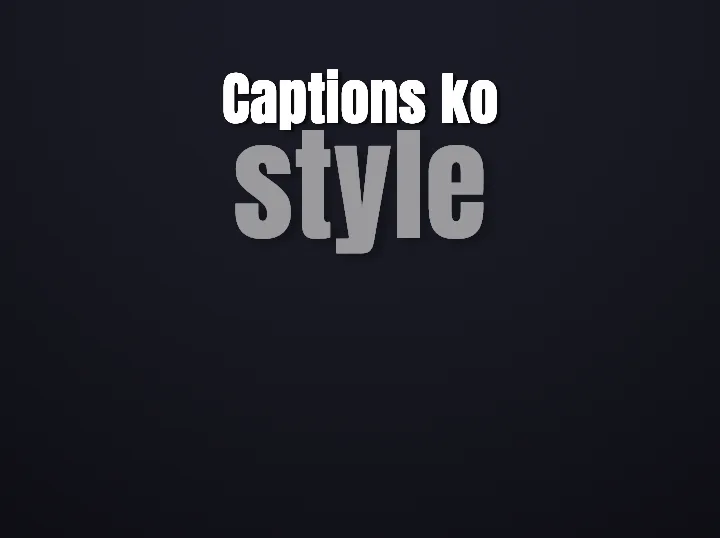
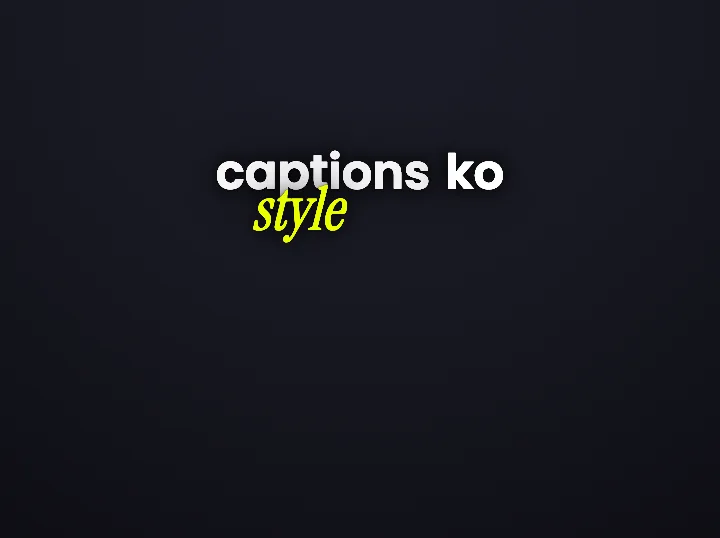
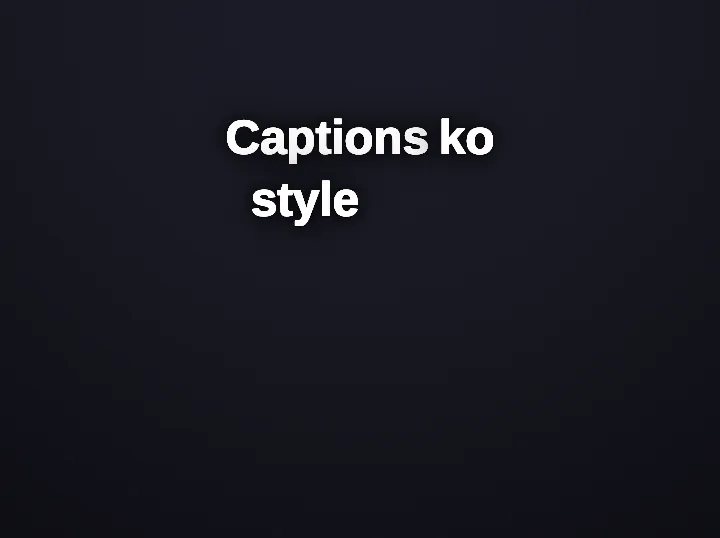
Real engine renders of the same phrase in three of Headroom’s styles. In a scoped edit these are not three separate exports — they are three stretches of one reel.
What that looks like in a script
Three stretches of one reel, and the scope each edit used to get there.
One reel, three different caption treatments
Same video, same theme, three scopes. The hook is styled on its own, the middle inherits the reel, and the ending changes from a chosen point onward.
- Hook, scope: This onlyFocus formatWord pop
Stop editing your reels twice
One caption is pulled out of the reel style. Nothing above or below it moves.
X-Ray: the word punches through the video behind it - Middle, no overrideRolling formatBuilds up
Most people caption in one app and then restyle in another
The body of the reel keeps whatever the reel is set to. Most captions should be here.
No word treatments, so the beat rides the reel style - Ending, scope: From hereFocus formatWord pop
Do it once and export
One change, applied from this caption to the end of the reel. The hook above it keeps its own look.
Marker: a highlighter stroke draws across the word
The words above are a script, marked with the controls a Headroom editor would apply to them. Every control named here is in the studio today; the rendered look of each one is shown on the style gallery.
Exceptions you can find again
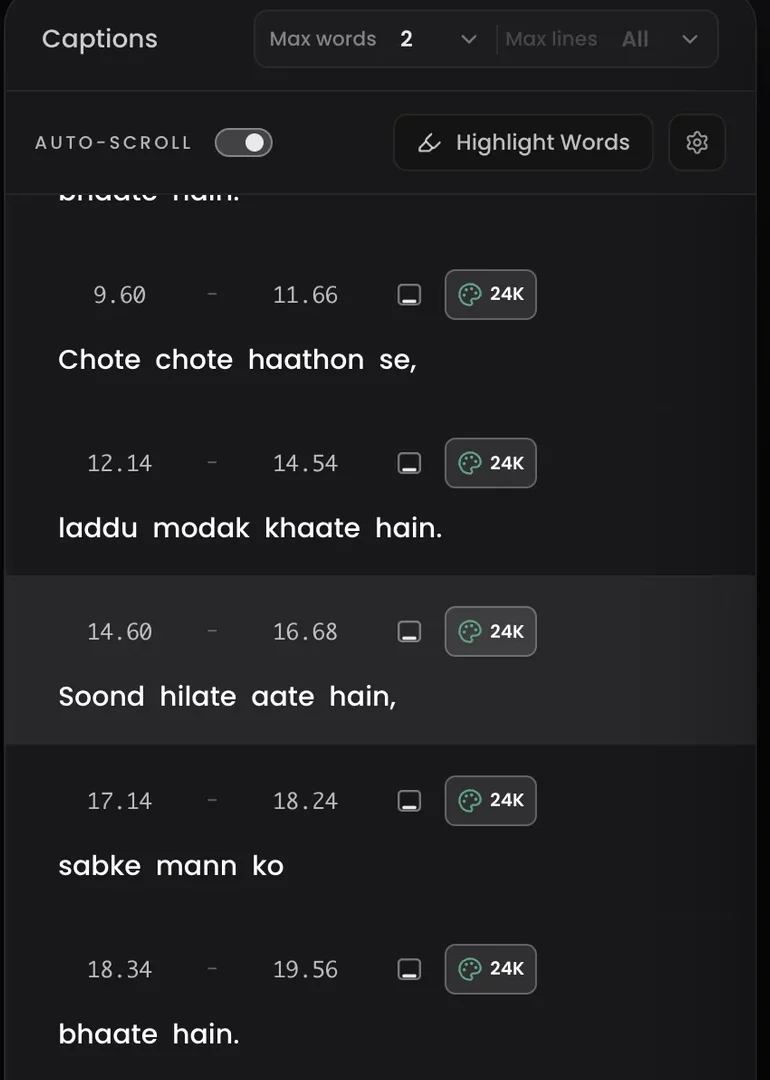
The problem with styling one caption differently is remembering that you did. Every caption that differs from the reel is marked in the caption list, and any exception can be reset back to the reel style without touching the ones around it.
That is the difference between a video with three deliberate treatments and a video that looks inconsistent by accident.
The jobs this is for
Questions
Does a per-caption change survive the export?
Yes. Scoped changes are stored on the captions themselves and travel with the render, so the exported file matches the preview.
Can I change a single word rather than a whole caption?
Yes — word treatments apply to one word at a time, independently of the caption’s style. Highlighting words in captions covers when that reads clearly and when it turns into noise.
How many different treatments should one video have?
Usually two, occasionally three. Past that the changes stop reading as emphasis and start reading as inconsistency — the same trap covered in pattern interrupts for Reels.
Style the hook without restyling the reel
Upload a clip, change one caption, and watch the others stay exactly where you left them.