Free Hinglish Caption Generator
Upload a talking video and Headroom transcribes the Hindi + English exactly as you speak it, in Roman script, with every word timed to your voice. Fix any word, pick a caption style, and export.
The free plan is real: Yes. Export 10 minutes of video free with five free caption themes from a desktop browser. Clean AI Edits, layers, and full editing are included; other themes, Behind captions, and Balanced or High Energy AI Edits require a paid export. Videos can be up to 6 minutes each, and re-exporting a video you already made never counts again. It is a one time allowance rather than a monthly one. Paid plans add fresh minutes every month and longer videos.
How it works
1. Upload your video
Talking-head clips up to 6 minutes on the free plan, longer on paid. Headroom auto-transcribes Hindi + English code-mix — “yaar this is so cool” comes out exactly like that, not translated or mangled.
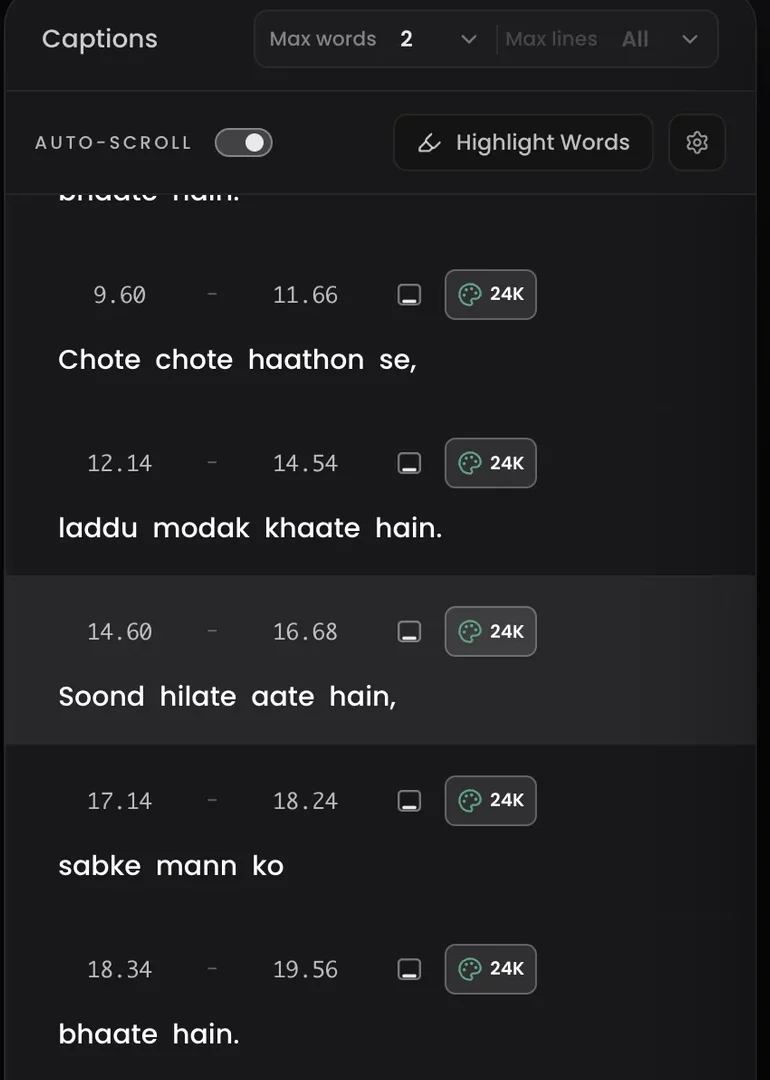
2. Fix any word, keep the timing
Every word carries its own timestamp. Edit spelling or wording inline and the rest of the captions never shift.
3. Style it and export
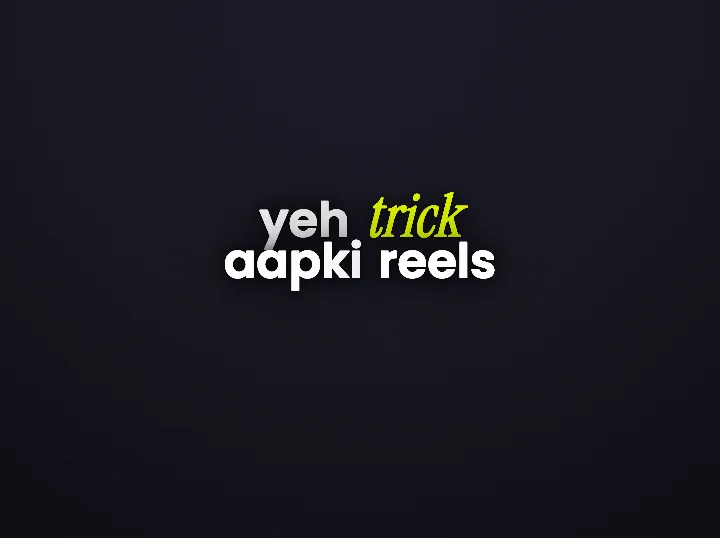
Pick from 30+ caption styles with word-level emphasis, position captions where you want them, and export MP4 — or download the SRT on paid plans.
Why generic caption tools get Hinglish wrong
Hinglish speech is Hindi spoken, Roman script written, with English switched in mid-sentence. Tools built for one language at a time transliterate into Devanagari, translate the Hindi away, or misread the switch entirely.
Headroom is built for exactly this: Roman-script output that preserves your English words, keeps names as names, and times every word to the audio so styles like word highlighting actually land on the right word.
Questions creators actually ask
Is the Hinglish caption generator really free?
Yes. Export 10 minutes of video free with five free caption themes from a desktop browser. Clean AI Edits, layers, and full editing are included; other themes, Behind captions, and Balanced or High Energy AI Edits require a paid export. Videos can be up to 6 minutes each, and re-exporting a video you already made never counts again. It is a one time allowance rather than a monthly one. Paid plans add fresh minutes every month and longer videos.
Roman script or Devanagari?
Roman script by default — the way Hinglish is actually typed on Reels. English words stay in English, names stay names. Devanagari is available as a caption-language option if you want it.
Can I edit the captions after they generate?
Yes — tap any word and fix it. Because every word keeps its own timestamp, an edit never breaks the timing of everything after it. Here is exactly how that works.
What happens when I run out of free minutes?
Paid plans add fresh minutes every month, starting at 60 minutes for ₹299. Subscribers who run out mid-month can add extra minutes without changing their plan. Current options and prices are on the pricing page.
What if I need an SRT file?
Paid plans can download the SRT, phrase-level or word-level, for Premiere, CapCut, or DaVinci. See the Hinglish SRT generator page.
Keep going
See your own words, styled
Upload one clip. If the captions do not read the way you speak, close the tab.