Kinetic typography, driven by your voice instead of a text box
Most kinetic typography tools start with a blank canvas: you type the words, then you tell each one when to move. Headroom starts with your footage. It transcribes what you said with a timestamp on every word, so the typography already knows its own timing — the only thing left to choose is how each word arrives.
What this is not
Headroom does not animate arbitrary text over a blank background, generate a lyric video from a pasted paragraph, or build a title sequence from a prompt. If you have no footage and you want words moving over a gradient, a template maker is the right tool and you should use one.
What Headroom does is the harder half: it takes a video of someone talking and turns the speech itself into moving typography that stays in sync, survives edits to the words, and renders the same in preview and in the export.
The choice you are actually making
In a text-box animator you choose a preset and then hand-time it. Here the timing is already correct, so the decision is which word deserves an entrance and which entrance suits it.
One spoken line, four entrances
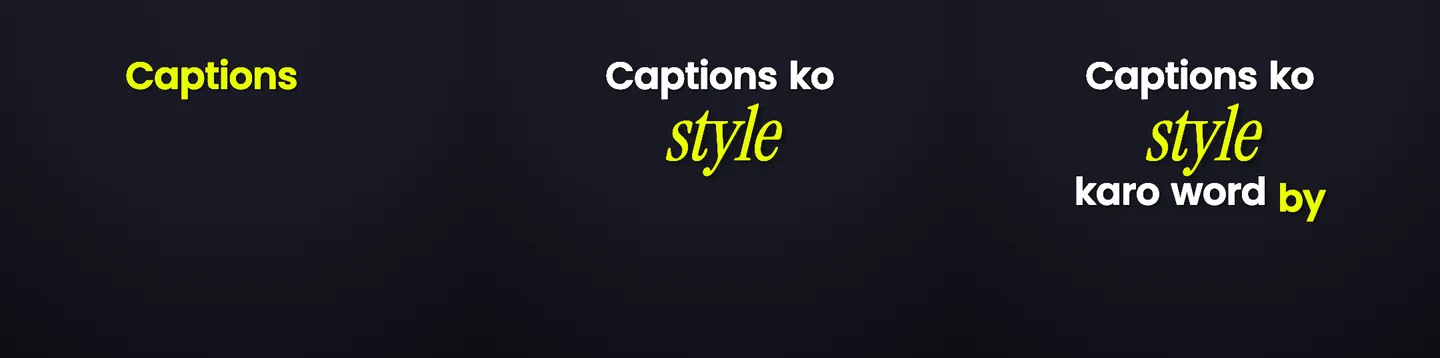
Kinetic typography usually starts with a text box. Here the script is the audio, so every word already knows when it is spoken. The entrance is the only thing left to choose.
- RiseFocus formatWord pop
You are not behind
The word lands hard with a lift. Reads as a statement being dropped.
Rise: lands hard with a lift - SnapFocus formatWord pop
You are early
A crisp scale snap. Short, mechanical, good on numbers and hard consonants.
Snap: crisp scale snap - RevealFocus formatWord pop
Nobody is watching as closely as you think
Blur settles into focus. The slowest of the four, so it suits the line you want people to sit with.
Reveal: blur settles into focus - PopFocus formatWord pop
Start the ugly version
A fast attention hit. The one to spend on a call to action, not on every word.
Pop: fast attention hit
The words above are a script, marked with the controls a Headroom editor would apply to them. Every control named here is in the studio today; the rendered look of each one is shown on the style gallery.
Typography that does something the video cannot do without it
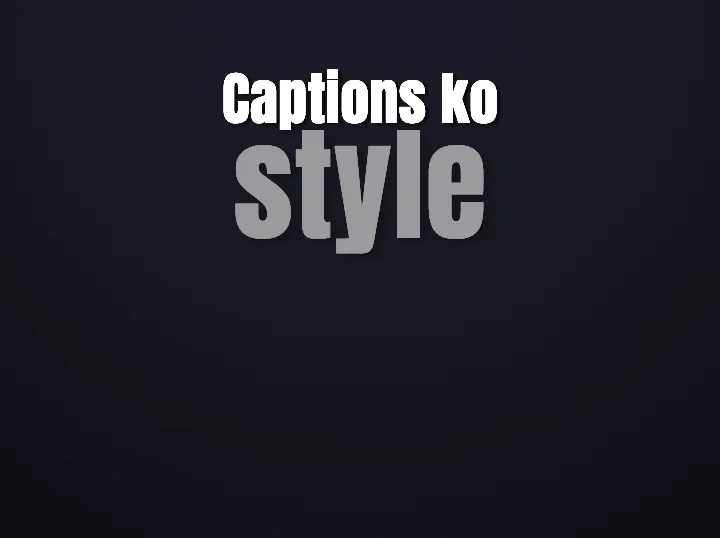
X-Ray knocks the word out of the frame: the video behind each letter is inverted, computed per frame rather than composited from a flat overlay. It only works because the type and the footage are being drawn by the same engine, which is also why the preview and the export match instead of approximating each other.
That is the practical difference between typography added to a video and typography that is part of the edit.
Where this gets used
Questions
Can I paste a script and get a kinetic typography video?
No. Headroom needs a video with audio — the timing comes from the speech. If you want words animated over a blank background with no footage, use a template-based typography maker instead.
Do I have to keyframe anything?
No. Word timings come from the transcription, and each entrance is a preset applied to a word. There is no timeline of keyframes to place or nudge.
What happens to the animation if I fix a misheard word?
Nothing breaks. Timing is stored per word, so correcting the text keeps every other word where it was. The mechanics are explained on the caption timing page.
Does this work in languages other than English?
Yes. Word-level timing is language-agnostic, including Hindi–English code-mix written in Roman script. See dynamic Hinglish captions.
Keep going
Use a clip you have already shot
Upload a talking video and see your own sentence arrive one word at a time.