How to make talking-head videos more engaging
A talking-head video stays engaging when something meaningful changes every few seconds — in the words, the frame, or the emphasis. Everything below is a way to create that change without gimmicks: a stronger open, tighter cuts, and captions that direct attention instead of just transcribing.
Written for short-form (Reels, Shorts, TikTok) by the team building a talking-head editor. Where our product helps, we show it. Where the fix is craft, we say so.
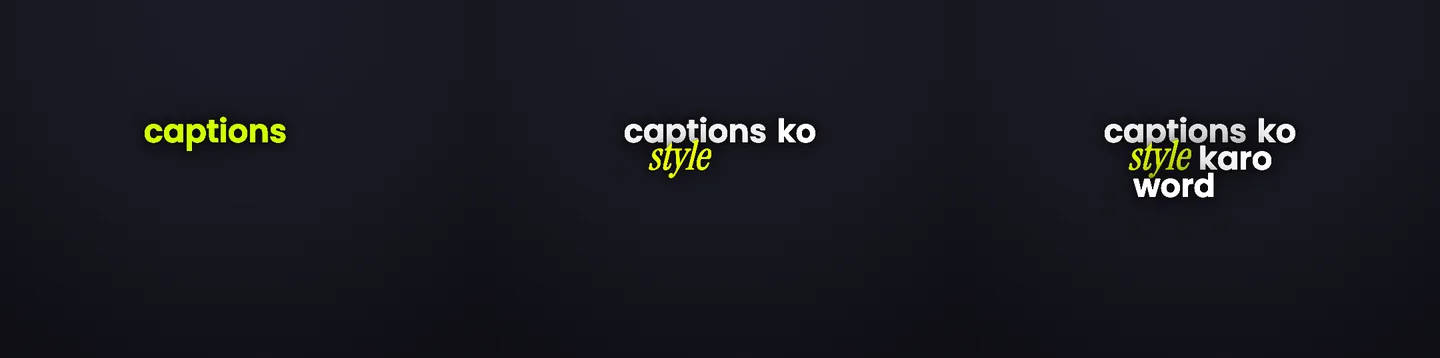
Six changes, in the order they pay off
1. Open with the claim, not the context
The first two seconds decide the swipe. Start at the most interesting sentence you were going to say — the setup can come third. If your first line is “hi guys, so today”, cut it.
Craft, not software. No tool fixes a weak first line.
2. Cut the dead air, keep the pace honest
Silences, false starts, and “umm” bridges read as boredom at feed speed. Trim them hard. A talking-head short usually survives far more aggressive cutting than feels natural while editing.
Do this in your editor of choice — Headroom trims clips but is not a multi-track NLE.
3. Caption every word — people watch on mute
Feeds autoplay silently. If the video only works with sound, most viewers never find out it worked. Word-timed captions keep the muted viewer exactly in sync with your delivery.
This is Headroom's core job — see the caption modes rendered.
4. Emphasize one word per phrase, not all of them
Every phrase has one word doing the work. Make that word bigger, brighter, or a different color — and leave the rest alone. Highlighting everything is the same as highlighting nothing.
5. Change something visual on the beats
Long static shots are where retention dies. You do not need B-roll for every sentence: a punch-in, a caption style switch on the turn of the argument, or a pattern-interrupt style on the hook is enough to reset attention.
Headroom applies styles per caption, so the hook can run a loud style and the explanation a clean one — all styles here. Real B-roll stays your job.
6. Keep captions out of your face
Your expression carries the delivery. Captions that sit on your chin — or under the platform UI — cost you the two things viewers actually read: your face and your words.
The honest shortcut: AI Edits does steps 3 to 6 for you
Steps 1 and 2 are craft; no tool writes your hook or makes your cuts for you. Steps 3 to 6 are mechanical, and Headroom now does them automatically. AI Edits reads your transcript, finds the hooks, numbers, contrasts, and calls to action, and places the emphasis, motion, and style moments this guide describes, one word per phrase, on the beats.
You choose how much editing you want: Clean keeps a few strong moments, Balanced spreads emphasis across the reel, High Energy puts motion on most of what you say. Every decision shows up as a marked word in the transcript, and anything you change by hand stays yours.
This is the same engine described on the talking-head editor page, where you can see its actual output on a real script.
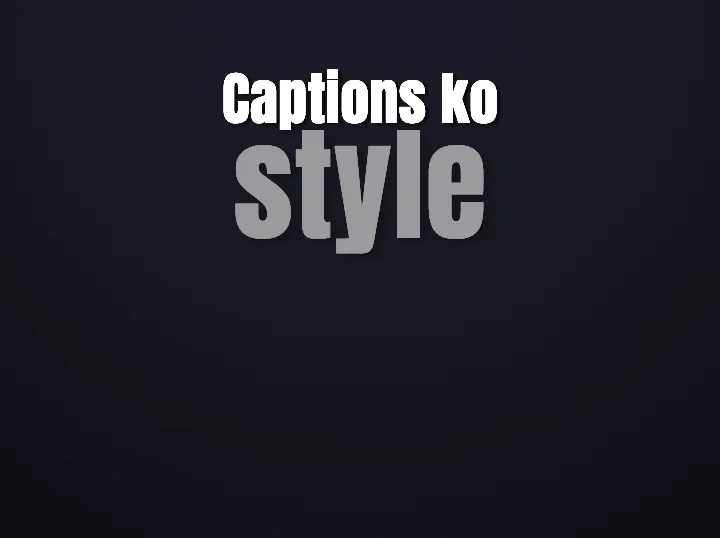
What a pattern interrupt actually is
A moment that breaks the visual rhythm the viewer has settled into — a knockout caption on the hook, an inverted frame, a hard style switch. Used once or twice, it resets attention. Used on every line, it becomes the new monotony.
The render on the left is X-Ray, a difference-blend style that inverts the video through the letters — a one-phrase interrupt, not a whole-video look.
If your talking head is teaching something
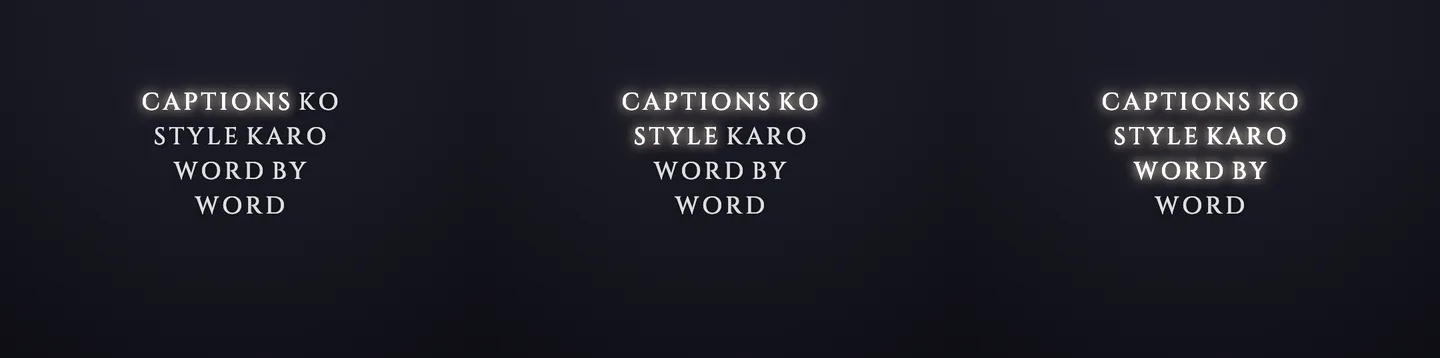
Educational Reels have one extra constraint: the viewer is trying to follow, not just watch. Word-progress captions — each word lighting up as you say it — are the highest-value change, because they let viewers read along at your pace instead of scanning ahead and getting bored.
The 60-second pre-post checklist
- · Does second 1 contain the most interesting claim?
- · Is there any silence or filler longer than half a second?
- · Does it make complete sense on mute?
- · Is exactly one word emphasized per phrase?
- · Does anything visual change in every 5-second window?
- · Can you see the face and the captions at the same time, on a phone?
Go deeper
Apply steps 3 to 6 in one pass
Upload a talking clip. AI Edits places the captions, emphasis, and style moments automatically, and you adjust from there.