Captions covering your face? Put them where they belong.
The rule for talking-head Reels: captions live in the lower-middle band — below your chin, above the platform UI. Here is what that looks like, and how to move a caption without re-editing the whole video.
The same caption, two positions


Both frames are real Headroom engine renders of the same caption — only the anchor position differs. The zone bands are a schematic overlay showing where a centered talking head's face and the platform's own UI sit.
The three zones of a vertical frame
Top ~35%: the face zone
In a framed talking head, eyes sit near the top third and the chin around mid-frame. Captions here fight your face for attention — and lose both.
Lower-middle: the caption band
Below the chin, above the platform chrome. Close enough to the face that the eye reads text and expression together — that pairing is what makes captions feel synced to the person.
Bottom ~15% and right rail: platform territory
Reels, TikTok, and Shorts all draw their caption text, audio attribution, and action buttons here. Anything you place under them is unreadable in the feed even if it looks fine in your editor.
Moving a caption without re-editing the video
The reason this problem survives on every support forum: in most tools caption position is global. Move one caption and you have moved them all — so people re-cut the video instead.
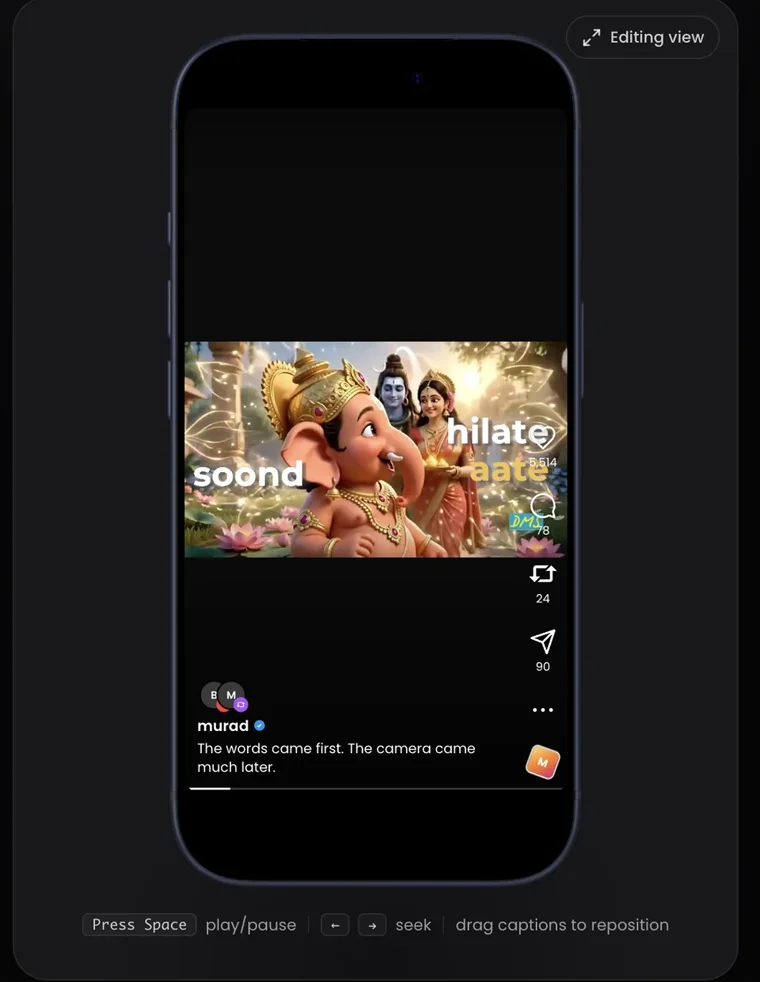
In Headroom, position is a per-caption property with explicit scope. Drag a caption, then choose: this caption (you leaned into frame for two seconds), from here (the framing changed mid-video), or the whole reel (you want a new default). One gesture, stated scope, no surprises — the same scope model as timing-safe text edits.
Common questions
Where exactly should captions go on Reels?
Lower-middle band: below the chin of a centered talking head, above the bottom strip where Reels draws its own caption, audio row, and buttons. Avoid the far right edge — the like/share stack lives there.
Is the safe band the same on TikTok and Shorts?
The principle is identical; the exact bands differ by a few percent per platform and change with app updates. The lower-middle band is the position that survives all three feeds.
Can I move captions for just one section?
Yes — that is what scoped positioning is for. This caption, from here, or the whole reel.
Keep going
Your face is the content. Keep it visible.
Upload a clip and drag the captions exactly where they belong.