
Step counter overlay for list videos
Pick the step and the total, or type a list title. Download a marker that sits in the corner of your list video.
Runs in your browser. Nothing is uploaded.
The preview background is only for judging the graphic. Your download has no background unless you pick a green screen or black file.
H.264 on flat green, chosen so it does not clash with your colours.
Place the clip on a track above your video in CapCut. Select it, open Remove BG, then Chroma key. Pick the background colour and raise the strength until it is gone.
How to make a step counter overlay
- 1Choose the step counter or the list title.
- 2For the counter, set how many steps the list has, then one step or every step in turn. For the title, type it.
- 3Pick the style, accent colour, size and corner.
- 4Download the transparent MOV or the green screen MP4 and place it over the part of the video where that step is spoken.
What editors use it for
Tips and mistakes videos
Show "3 MISTAKES" at the start, then a 1/3, 2/3, 3/3 marker as each one is explained, so viewers know how much is left.
Tutorials with steps
A recipe, a setup guide or an app walkthrough: the bar fills as each step is done.
Top 5 countdowns
Turn on count down for 5, 4, 3, 2, 1 lists. The bar still fills left to right as the list goes on.
Which file for which editor
- CapCutGreen screen MP4
- VNGreen screen MP4
- InShotGreen screen MP4
- Premiere ProTransparent MOV
- After EffectsTransparent MOV
- DaVinci ResolveTransparent MOV
- Final Cut ProTransparent MOV
- CanvaMP4 video
- OBSTransparent WebM
Pick your editor in the tool and it shows the exact steps to place the file. Have a green screen clip already? Turn it into a transparent video.
Questions
Is this a video progress bar for the whole clip?
No. It counts steps, not seconds. The bar has one segment per step and fills when you move to the next step, so it tells viewers which point of the list they are on.
How do I show a different step at each part of my video?
Either export one clip per step with "One step" and place each where that step starts, or choose "Every step in turn", which splits the clip evenly and changes step at each split. The first way follows your talking exactly.
How many steps can the counter show?
From 2 to 12. With "Every step in turn" each step needs at least 0.9 seconds on screen, so 12 steps need an 11 second clip or longer.
Can the list title be in Hindi?
Yes. Hindi in Devanagari is drawn with Noto Sans Devanagari, and Hinglish works as typed. English letters are set in capitals. A title too wide for the frame is set at the next size down, and refused only if it does not fit even small.
Why does the marker fade out and back in between steps?
Each step enters on its own, rising into place, so the change of number is noticed even when viewers are watching your face. The fade between two steps is under half a second.
Tools that go with this
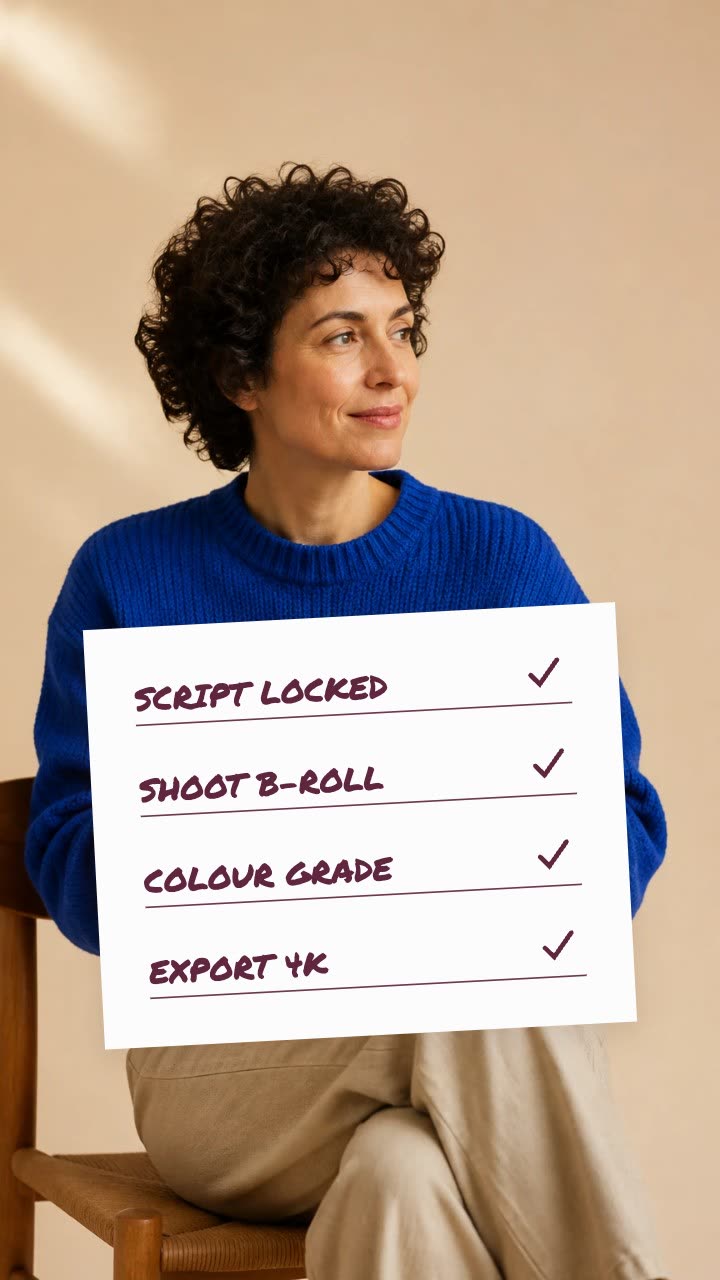
A paper card whose items get ticked one by one.

A name and title card that wipes in over your footage.

A number that counts up from zero and lands on your figure.

A number that rolls like a mechanical counter from one value to another.
In Headroom: Dynamic captions