
Number counter animation generator
Type the number and the words around it. Download a count up animation your editor can place over the shot.
Runs in your browser. Nothing is uploaded.
The preview background is only for judging the graphic. Your download has no background unless you pick a green screen or black file.
H.264 on flat blue, chosen so it does not clash with your colours.
Place the clip on a track above your video in CapCut. Select it, open Remove BG, then Chroma key. Pick the background colour and raise the strength until it is gone.
How to make a number counter
- 1Type the number. Pick what stands before and after it (₹, $, %, K, L, Cr) and the comma style.
- 2Write the line above and the line below, or leave them empty for the number alone.
- 3Set the colours, the position and the size, then choose the length of the clip.
- 4Choose your editor and download. Desktop editors get a transparent MOV, phone editors get a green screen MP4.
Full guide: How to Animate Numbers in a Video (Count-Up Effect, Free)
What editors use it for
Revenue, salary and price reveals
Count to a rupee or dollar figure while you say it. The Indian comma style writes 12,50,000 the way your viewers read it.
Subscriber and follower milestones
Put "Subscribers" above, the number in the middle and "in one year" below for a milestone video.
Statistics in explainers
Land a percentage or a count on screen at the moment it is spoken, then let it fade out before the next point.
Before a chart or a breakdown
Open with the headline number as an overlay, then cut to the chart that explains it.
Which file for which editor
- CapCutGreen screen MP4
- VNGreen screen MP4
- InShotGreen screen MP4
- Premiere ProTransparent MOV
- After EffectsTransparent MOV
- DaVinci ResolveTransparent MOV
- Final Cut ProTransparent MOV
- CanvaMP4 video
- OBSTransparent WebM
Pick your editor in the tool and it shows the exact steps to place the file. Have a green screen clip already? Turn it into a transparent video.
Counting number video kaise banaye (VN, InShot, CapCut)
Number type kijiye, ₹ ya % chuniye, aur comma style "Indian: 12,50,000" rakhiye agar aap lakh aur crore mein likhte hain.
Upar aur neeche ki line likhiye, jaise "Monthly revenue" aur "in 14 months". Phir "Green screen MP4" download kijiye.
VN, InShot ya CapCut mein is clip ko apni video ke upar layer ki tarah lagaiye aur Chroma se background colour hata dijiye. Number 0 se ginti karta hua aapki video par dikhega.
Questions
Can it count in lakhs and crores?
Yes. Choose the Indian comma style and 1250000 is written 12,50,000 through the whole count. You can also type a short number such as 12.5 with one decimal and add L or Cr after it.
How long does the count take?
The number counts for about 1.7 seconds, lands with one small pulse, holds, and fades out in the last half second of the clip. A longer clip only makes the hold longer. The shortest clip is 3 seconds.
Can I count down or start from another number?
No. This counter always counts up from 0 to your number. For a number that rolls from one value to another, use the odometer counter.
Why are my words in capital letters?
The lines above and below are set in capitals in a heavy face with a dark edge, so they stay readable on any footage. Hindi text is drawn as typed.
Which file works in CapCut, VN and Premiere Pro?
CapCut, VN and InShot do not keep video transparency, so download the green screen MP4 and remove the colour with Chroma key. If your number colour is green, the tool switches the background to blue. Premiere Pro, DaVinci Resolve and Final Cut read the transparent MOV directly.
Tools that go with this
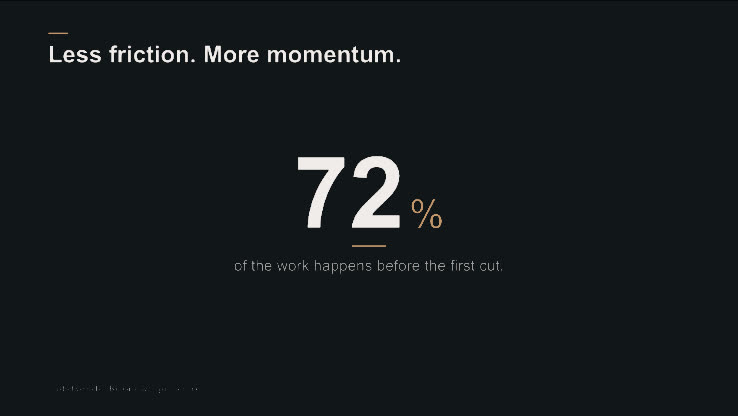
Animate a number into a clean, ready-to-edit stat card.
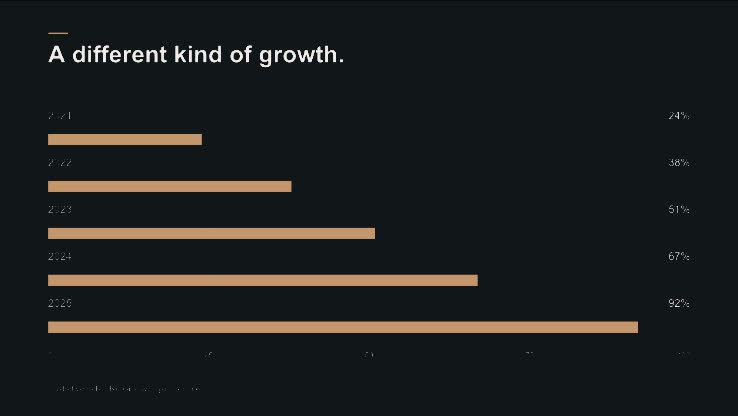
Turn a few rows of data into an animated bar or line chart.

A number that rolls like a mechanical counter from one value to another.
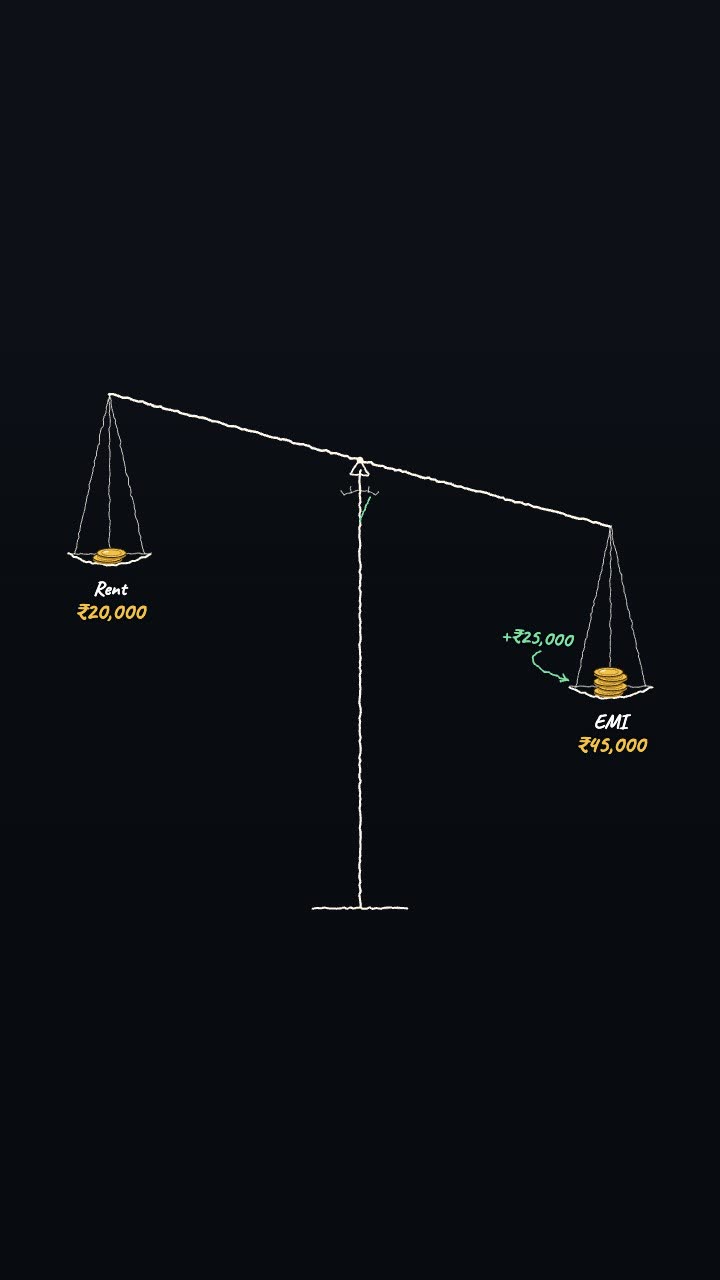
Two amounts weighed on a hand-drawn scale, the difference written by the heavier side.
More numbers and data tools: Bar chart race maker · Pictogram chart animation maker