
Timeline animation maker
Type each year and what happened. Download an animated timeline your editor can place over the shot.
Runs in your browser. Nothing is uploaded.
The preview background is only for judging the graphic. Your download has no background unless you pick a green screen or black file.
H.264 on flat green, chosen so it does not clash with your colours.
Place the clip on a track above your video in CapCut. Select it, open Remove BG, then Chroma key. Pick the background colour and raise the strength until it is gone.
How to make a timeline animation
- 1Type one row per date: the year or date, a comma, then what happened. Two to six rows.
- 2Pick the row, text and dot colours, and set how quickly each row follows the last.
- 3Choose where the timeline sits in the frame and how large it is.
- 4Choose your editor and download. Place the file on the track above your video.
What editors use it for
Founder and brand stories
Show the years a company passed through while the founder talks: started, first client, first hire, today.
History and documentary explainers
Put the dates of an event on screen in order so the viewer can follow who did what and when.
Case studies and project recaps
Lay out the stages of a project by month or quarter over the footage of the work.
Career and journey videos
List the turning points of a career or a fitness journey as rows that arrive with the voice-over.
Which file for which editor
- CapCutGreen screen MP4
- VNGreen screen MP4
- InShotGreen screen MP4
- Premiere ProTransparent MOV
- After EffectsTransparent MOV
- DaVinci ResolveTransparent MOV
- Final Cut ProTransparent MOV
- CanvaMP4 video
- OBSTransparent WebM
Pick your editor in the tool and it shows the exact steps to place the file. Have a green screen clip already? Turn it into a transparent video.
Timeline animation kaise banaye (VN, CapCut, InShot)
Har row mein pehle saal ya date likhiye, phir comma, phir jo hua. Jaise "2019, Dukaan shuru ki". Do se chhe rows bana sakte hain.
Colour chuniye aur "Green screen MP4" download kijiye. VN, CapCut ya InShot mein apni video ke upar is clip ko overlay ki tarah lagaiye aur Chroma key se green hata dijiye.
Premiere Pro ya DaVinci Resolve ke liye "Transparent MOV" lijiye. Usme background pehle se transparent hota hai.
Questions
How many dates can the timeline hold?
Two to six rows. Each row has a date and one short line about what happened. If the rows are too tall for the frame, the whole timeline is set smaller so it fits.
Does the date have to be a year?
No. Anything before the comma is the date: a year, "March 2021", "Day 1", "Q3", or a word like "Today". Keep it short, because the date is set large on one line.
Can I control when each row appears?
Yes. "Time between rows" sets the gap from one row to the next, from 0.2 to 2 seconds. Every row holds once it lands, and they fade out together at the end of the clip.
Can I write the rows in Hindi?
Yes. Devanagari text is drawn with a Hindi font from your device. Hinglish in Roman letters is drawn in the same font as English.
How do I put the timeline on my video?
In Premiere Pro, DaVinci Resolve or Final Cut, place the transparent MOV on the track above your footage. In CapCut, VN or InShot, add the green screen MP4 as an overlay and remove the green with Chroma key.
Tools that go with this
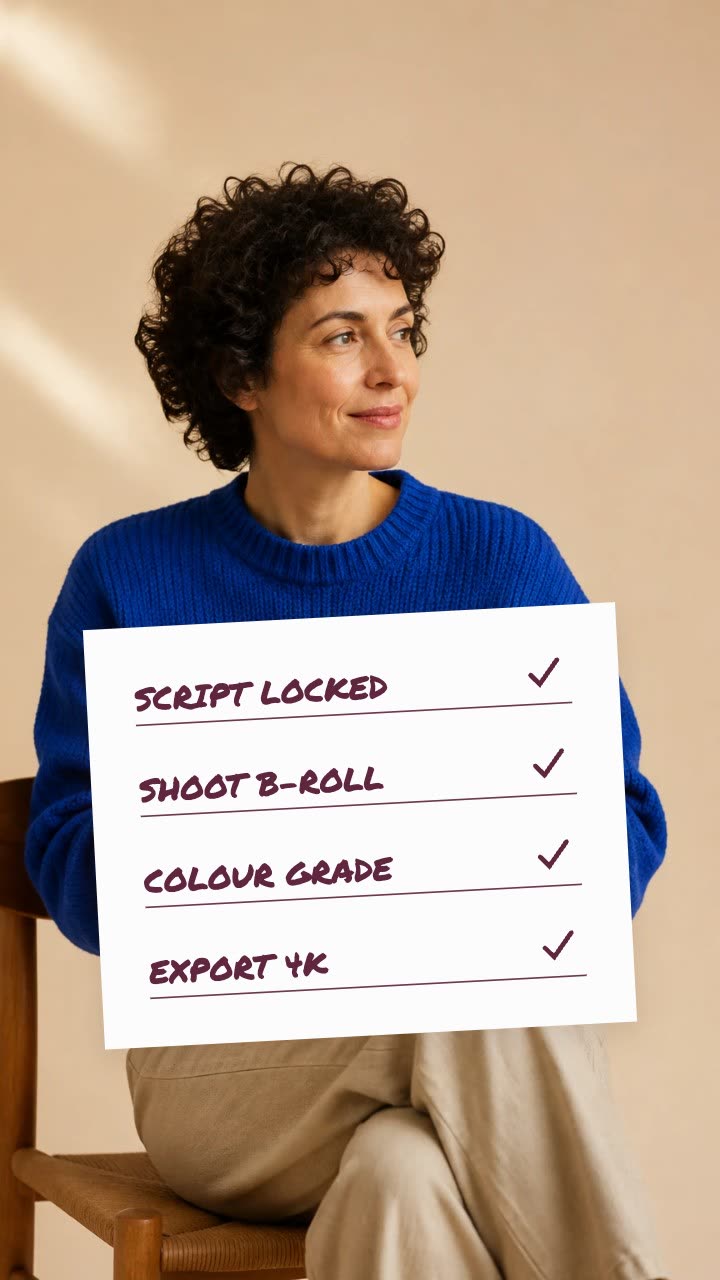
A paper card whose items get ticked one by one.

A term set large on a card, its meaning rising under a hairline rule.

A world map that flies to the place you name, lights it and labels it.

A name and title card that wipes in over your footage.
More explainer and documentary tools: Arrow and circle callout maker · Hand-drawn underline text animation · Strikethrough text animation maker · Text match cut generator · Article highlight video maker · Screenshot zoom video maker · Animated quote card maker
In Headroom: AI Edits: motion graphics placed on your video for you