
Country map animation maker
Type a country or a big city. Download a world map card that zooms in, lights the country and names it.
Runs in your browser. Nothing is uploaded.
The preview background is only for judging the graphic. Your download has no background unless you pick a green screen or black file.
H.264 on flat magenta, chosen so it does not clash with your colours.
Place the clip on a track above your video in CapCut. Select it, open Remove BG, then Chroma key. Pick the background colour and raise the strength until it is gone.
How to make a country map animation
- 1Type one country, or a city in one, such as India, Dubai, Toronto or Tokyo.
- 2Set the second the map lands, to match when you say the place.
- 3Choose where the map card sits in the frame and how large it is.
- 4Choose your editor and download. Place the file on the track above your video.
What editors use it for
Study and work abroad stories
Show Canada, Germany or Australia lighting up as you talk about the move, the visa or the job.
Travel reels and vlogs
Open a trip video with the map flying to Bali, Thailand or Dubai before the footage of the place.
News, history and business explainers
Point viewers to the country a story is about, so they know where it happens before you explain it.
Which file for which editor
- CapCutGreen screen MP4
- VNGreen screen MP4
- InShotGreen screen MP4
- Premiere ProTransparent MOV
- After EffectsTransparent MOV
- DaVinci ResolveTransparent MOV
- Final Cut ProTransparent MOV
- CanvaMP4 video
- OBSTransparent WebM
Pick your editor in the tool and it shows the exact steps to place the file. Have a green screen clip already? Turn it into a transparent video.
Map animation kaise banaye (country zoom)
Country ya bade shehar ka naam English mein likhiye, jaise "Dubai", "Canada" ya "London". Map us desh par zoom karke use highlight karta hai aur naam dikhata hai.
"Map lands at" ko us second par rakhiye jab aap jagah ka naam bolte hain. Green screen MP4 ko VN ya CapCut mein overlay lagaiye aur Chroma key se green hata dijiye.
Questions
Which places can I type?
Any country, by its English name, a common name (USA, UAE, Burma) or its Hindi name, and about 1,200 cities and well-known regions (Mumbai, Bombay, Toronto, California, Bali). A city lights its whole country and the label shows the name you typed. Very small countries such as Singapore or Bahrain light up as a small spot. Antarctica spans the whole map and cannot be zoomed to. A place the map does not know is refused, with examples, instead of drawing an empty card.
How is India drawn?
With its official boundary, as the Government of India and the Survey of India publish it: the whole of Jammu and Kashmir and Ladakh, including Gilgit-Baltistan, Muzaffarabad and Aksai Chin, and Arunachal Pradesh in full. Type India, Bharat, Hindustan or a city such as Delhi or Pune and the map flies to India and labels it.
Can it draw a route between two places?
No. It highlights one place on a world map. It does not draw flight paths, routes or several countries at once. For two places, make two clips and cut between them.
When does the map land on the country?
The world map appears on the first frame and the camera flies in, landing at the second you set, between 1.5 and 3 seconds. The country lights up as it lands and the name appears 0.4 seconds later, then the frame holds to the end.
Where does the map data come from?
Country shapes and cities are from Natural Earth 5.1.1 (public domain), in its India point of view, drawn at a world scale. The map design and motion are adapted from the open-source HyperFrames world-map block (Apache-2.0).
Tools that go with this
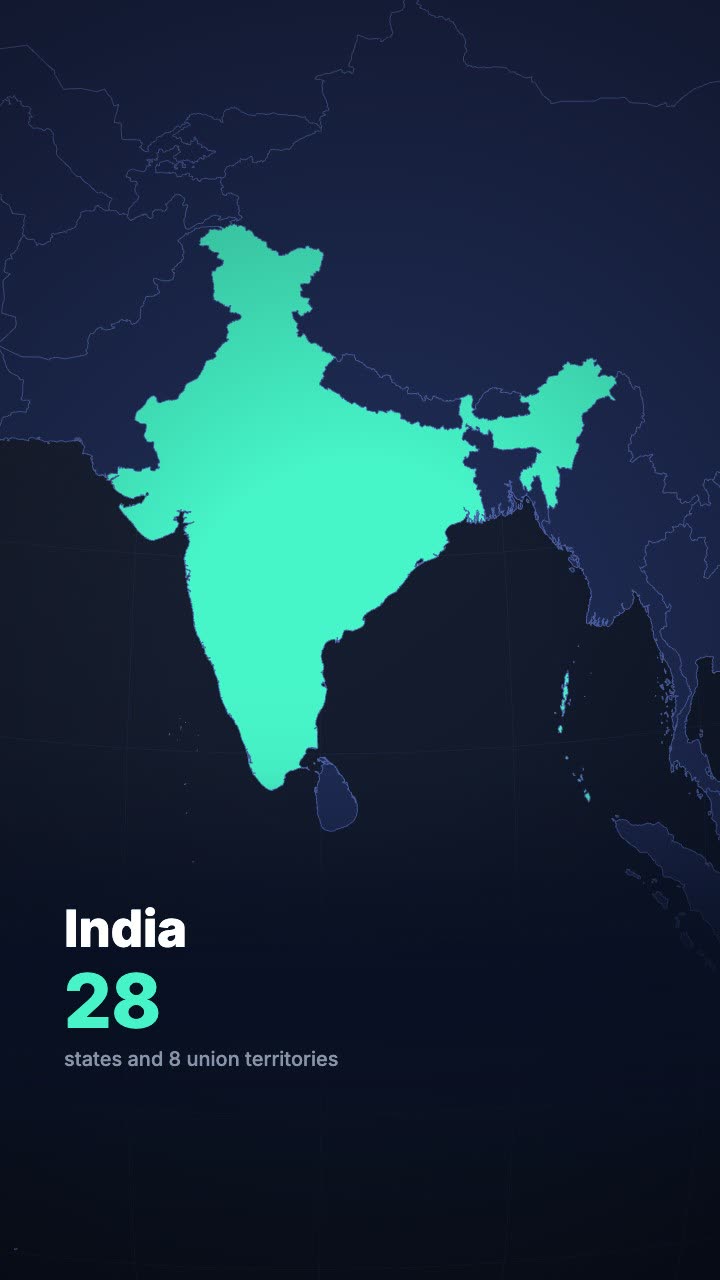
A globe turns and dives to the country you name, then fills it with your headline.
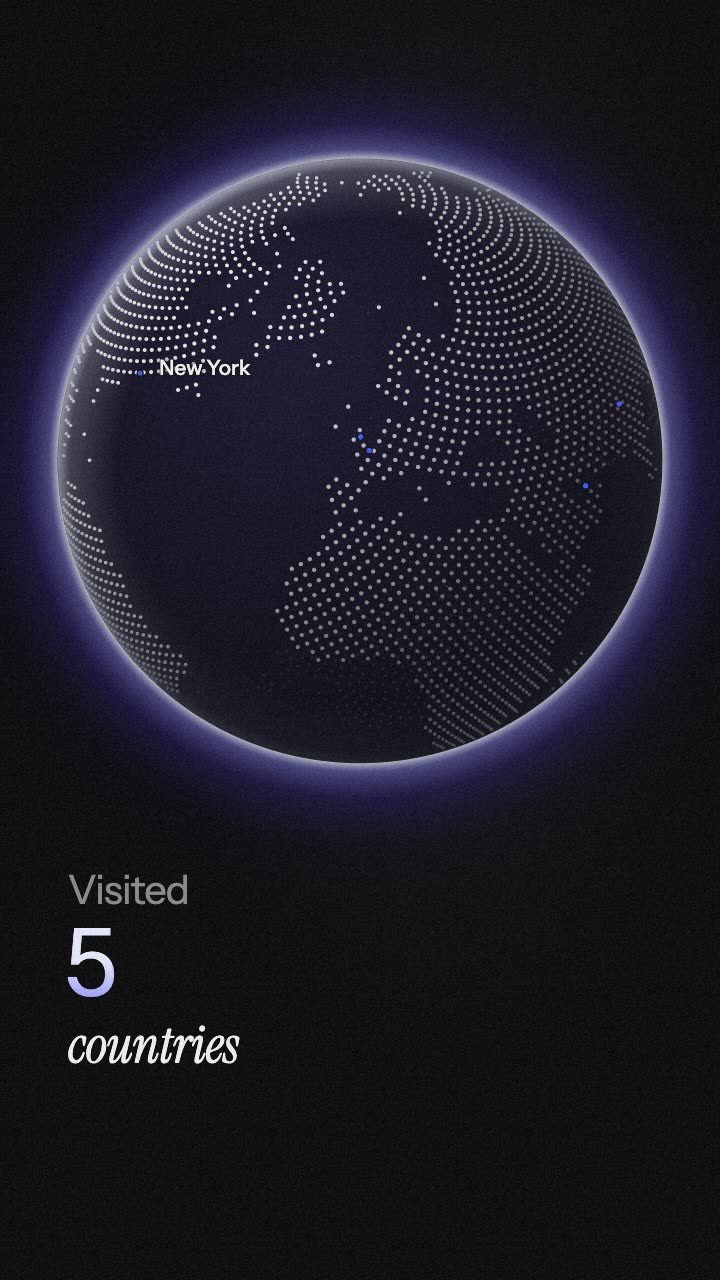
Flight arcs fly city to city on a globe, with pins, names and a counter.
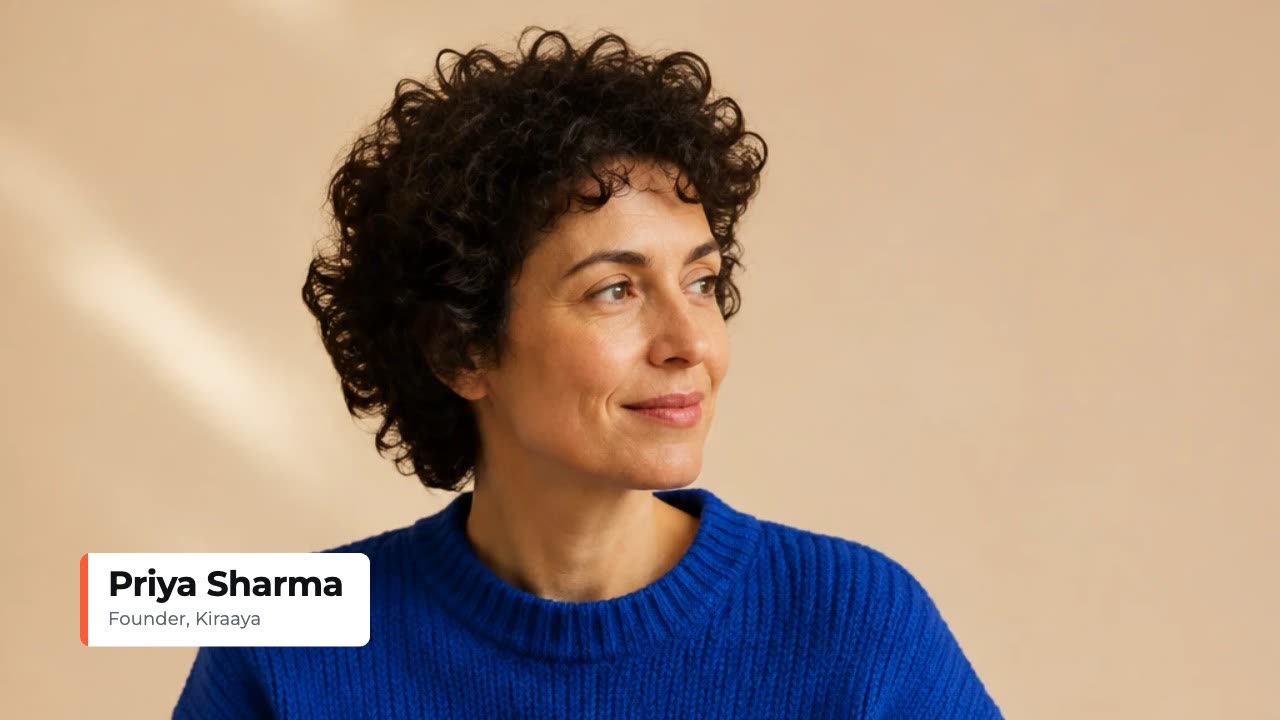
A name and title card that wipes in over your footage.
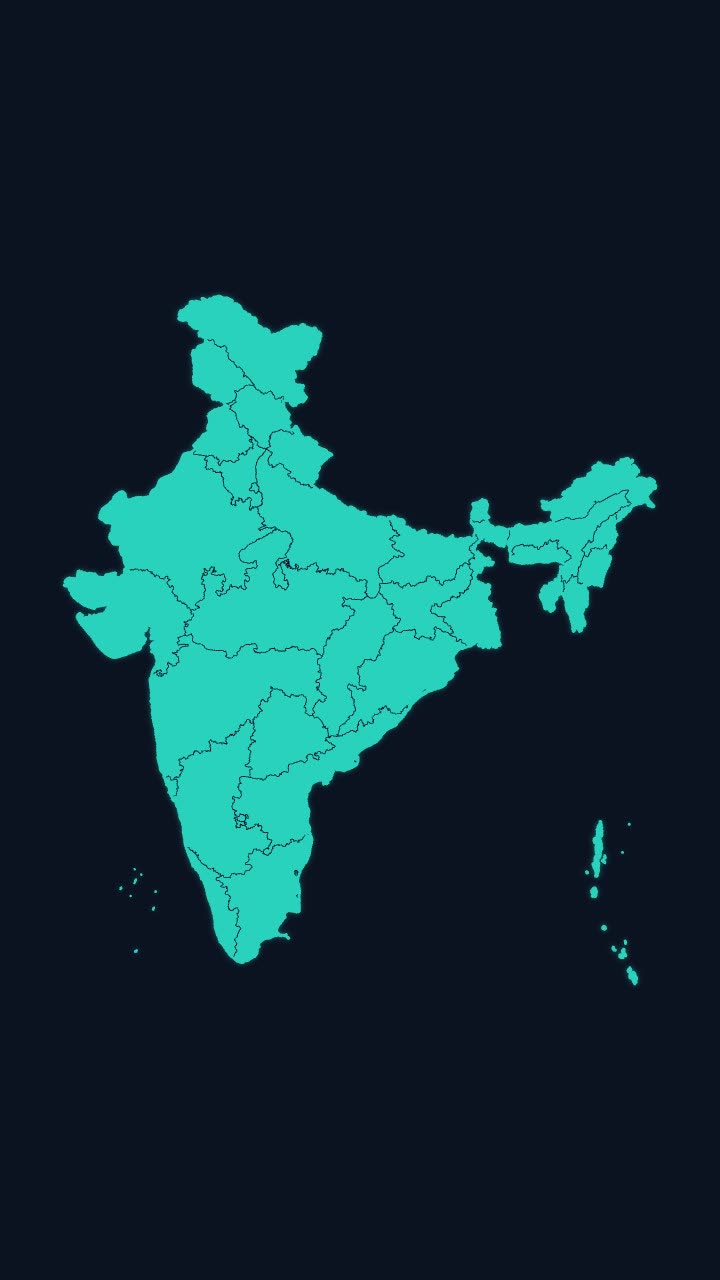
India’s outline draws itself, then every state appears, with names if you want them.
More maps tools: India state highlight map animation · India state-wise data map animation · Travel map animation maker · Map pin drop animation
In Headroom: AI Edits: motion graphics placed on your video for you