
Map pin drop animation
Type one or more places. Download location pins that drop, pulse and name each place, on a map or on their own.
Runs in your browser. Nothing is uploaded.
The preview background is only for judging the graphic. Your download has no background unless you pick a green screen or black file.
H.264 on flat green, chosen so it does not clash with your colours.
Place the clip on a track above your video in CapCut. Select it, open Remove BG, then Chroma key. Pick the background colour and raise the strength until it is gone.
State boundaries: DataMeet India community, CC BY 4.0, github.com/datameet/maps
How to make a map pin animation
- 1Type the places, one per pin. Add " - " and a short second line for the card.
- 2Choose how much of the map shows around the pins, or no map at all for pins over your own video.
- 3Pick the look and how the pins land: a drop, a spring bounce or a pop.
- 4Download a transparent MOV for desktop editors, a green screen MP4 for phone editors, or an MP4 with the map.
What editors use it for
Business and store videos
Pin every office, store or city you serve on the India map, each with a short line like "Opening Monday".
Travel and food Reels
Drop a pin on where you are before the clip starts, with the place name on its card.
Pins over drone or street footage
Set the background to none and lay the pin over your own shot of the place.
Which file for which editor
- CapCutGreen screen MP4
- VNGreen screen MP4
- InShotGreen screen MP4
- Premiere ProTransparent MOV
- After EffectsTransparent MOV
- DaVinci ResolveTransparent MOV
- Final Cut ProTransparent MOV
- CanvaMP4 video
- OBSTransparent WebM
Pick your editor in the tool and it shows the exact steps to place the file. Have a green screen clip already? Turn it into a transparent video.
Map pin animation kaise banaye (green screen bhi)
Jagah ka naam likhiye, jaise Mumbai ya Kolkata. Har pin par ek chhoti line bhi likh sakte hain, " - " ke baad.
Map par pin chahiye to Background "Map" rakhiye. Apni video ke upar sirf pin chahiye to "None" chuniye aur green screen MP4 download kijiye.
CapCut, VN ya InShot mein clip ko overlay ki tarah lagaiye aur Chroma key se green hata dijiye.
Questions
Can I put the pin over my own video instead of a map?
Yes. Set Background to "None". Only the pins, their pulses and their name cards are drawn, on a transparent frame. Use the transparent MOV in Premiere, Resolve or Final Cut, or the green screen MP4 in CapCut, VN or InShot.
What does "Map shows" change?
"Close in" frames an area about 550 km across around each pin. "The whole state" frames the Indian state or union territory the place is in (about 900 km across outside India). "The whole country" frames the full country. With several pins the map widens to hold all of them.
Which India map does it use?
India with its official boundary, including all of Jammu and Kashmir, Ladakh, Gilgit-Baltistan and Aksai Chin, and Arunachal Pradesh in full. State lines come from the DataMeet India community (CC BY 4.0).
Can the card show a name that is not a city?
Yes. Type the card name, then " @ ", then the place: "Sharma Sweets @ Lucknow - Since 1962". The pin goes on Lucknow and the card reads Sharma Sweets. Names in Hindi work too.
How many pins can I drop?
Up to six. They land 0.16 seconds apart, and every card stays inside the frame. If the cards do not fit, shorten the second lines or use fewer pins.
Tools that go with this
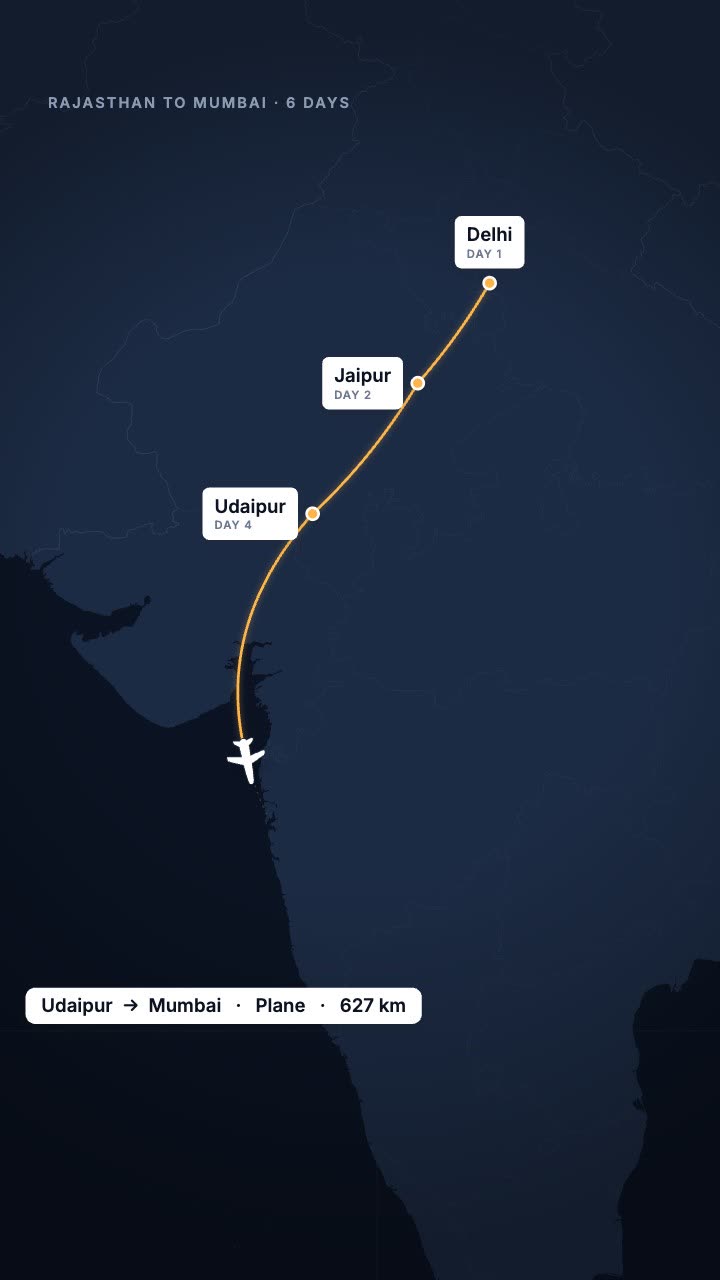
Your trip as a route map: the line draws city to city and a plane, train or car follows.

A world map that flies to the place you name, lights it and labels it.

A name and title card that wipes in over your footage.
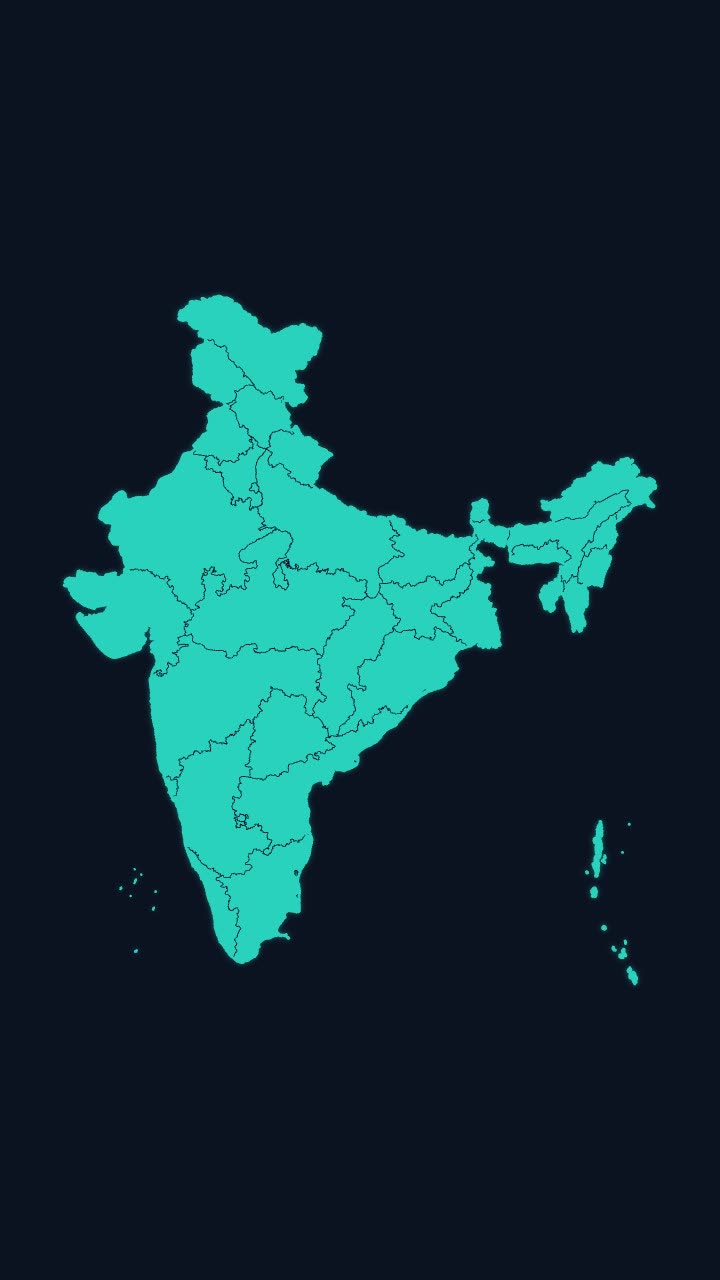
India’s outline draws itself, then every state appears, with names if you want them.
More maps tools: India state highlight map animation · India state-wise data map animation · Earth zoom animation to any country · Flight path animation on a globe
In Headroom: AI Edits: motion graphics placed on your video for you